AI Tattoo Ideas: Find Your Perfect Design with Endless Inspiration
Discover how AI can help you brainstorm, explore, and refine tattoo ideas you never knew you wanted.
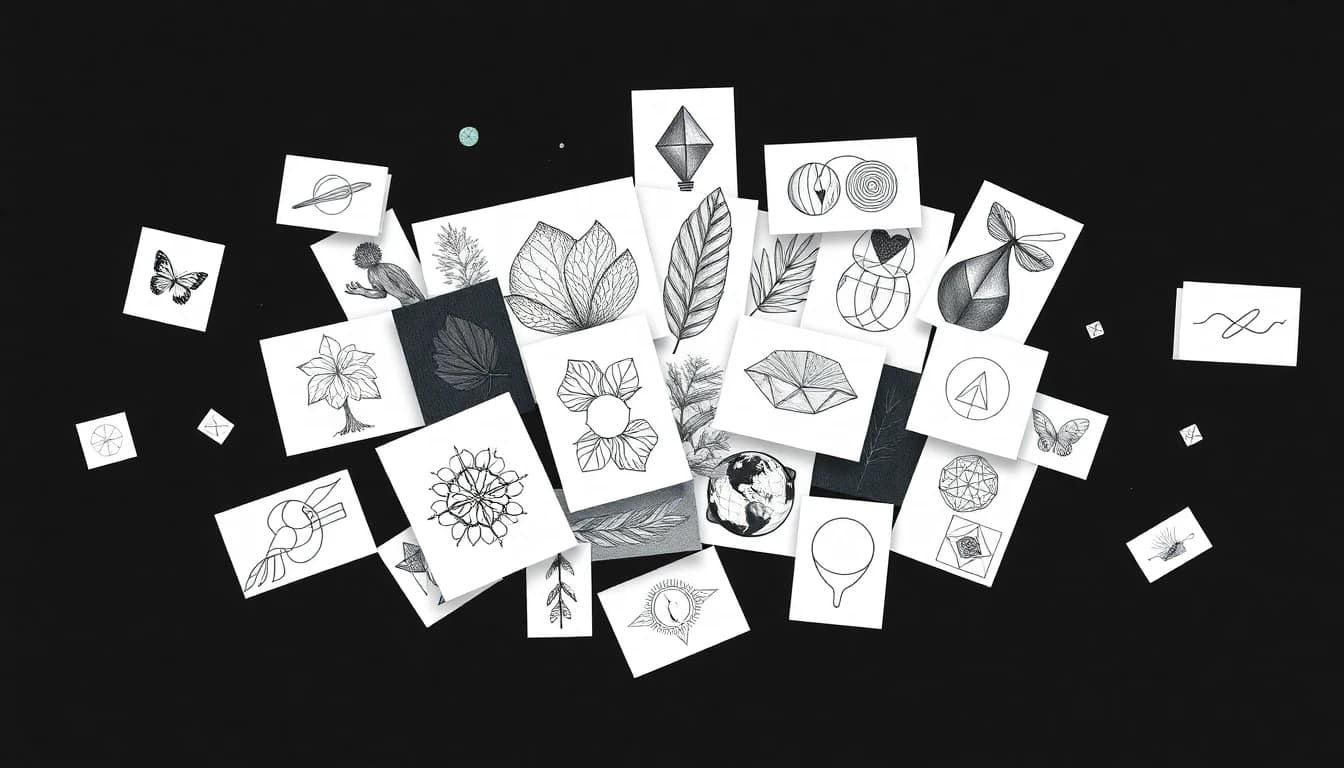
The hardest part of getting a tattoo isn't the pain — it's deciding what to get. You know you want something meaningful, something unique, something that represents you. But translating that vague feeling into an actual design? That's where most people get stuck for months or even years.
Enter AI tattoo idea generators. These tools don't just show you pre-made designs; they create unique tattoo ideas based on your input, helping you explore directions you might never have considered. This guide shows you how to use AI to unlock your perfect tattoo concept.
Why Use AI for Tattoo Inspiration?
Traditional tattoo inspiration has limitations. Pinterest boards get repetitive. Flash sheets show you what exists, not what could exist. Describing vague ideas to artists costs money and often leads to miscommunication.
AI tattoo idea generators solve these problems:
- Unlimited variations: Generate hundreds of concepts from a single idea
- No judgment: Explore weird, personal, or experimental ideas freely
- Instant visualization: See concepts immediately instead of imagining them
- Style exploration: Try the same idea in completely different aesthetics
- Free brainstorming: No artist fees for exploration and iteration
- Personal combinations: Merge concepts that don't exist in traditional flash
How AI Generates Tattoo Ideas
Understanding how ai generated tattoo ideas work helps you get better results:
Text-to-image generation: You describe what you want in words, and AI creates a visual interpretation. The more specific your description, the closer the result to your vision.
Style transfer: AI can take any concept and render it in different artistic styles — traditional, minimalist, watercolor, geometric, and more.
Concept blending: AI excels at combining elements that might seem unrelated, creating unique mashups you wouldn't find in traditional flash books.
Iteration and refinement: Each generation gives you ideas for new prompts, creating a creative feedback loop that helps you discover what you really want.
Starting From Scratch: When You Have No Idea
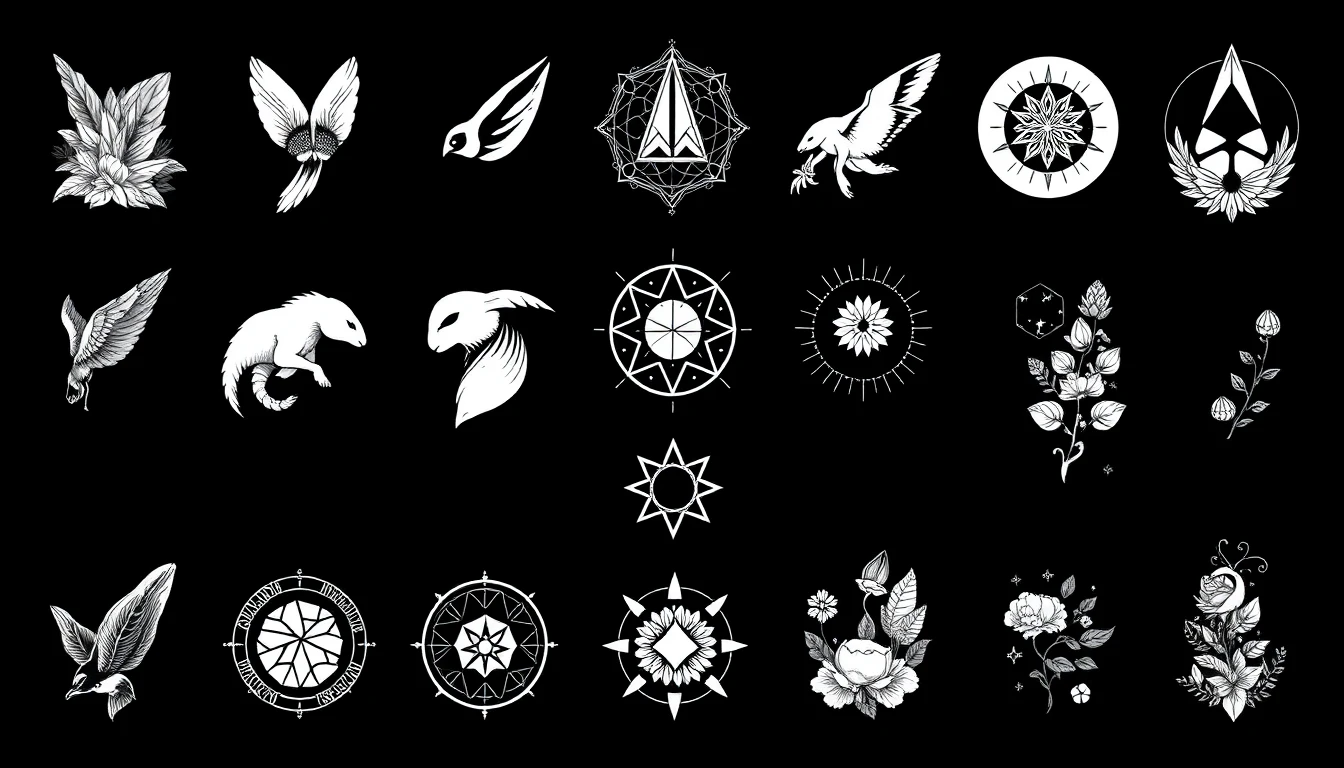
Maybe you know you want a tattoo but have zero idea what. Here's how to use an ai tattoo idea generator when starting from nothing:
Start with feelings, not images:
- "Something that represents resilience and growth"
- "A design that feels peaceful and grounding"
- "Something bold and powerful"
- "A tattoo that celebrates my heritage"
Explore broad categories:
- Nature (animals, plants, landscapes, celestial)
- Geometric (sacred geometry, patterns, mandalas)
- Symbolic (cultural symbols, mythology, spiritual)
- Personal (portraits, handwriting, custom icons)
- Abstract (artistic expression, movement, texture)
Generate widely first: Try 10-20 completely different prompts. Don't commit to any direction yet. Notice which results make you pause and feel something — that's useful data.
Use our AI tattoo generator to explore these directions without any commitment.
Generating Meaningful Tattoo Ideas
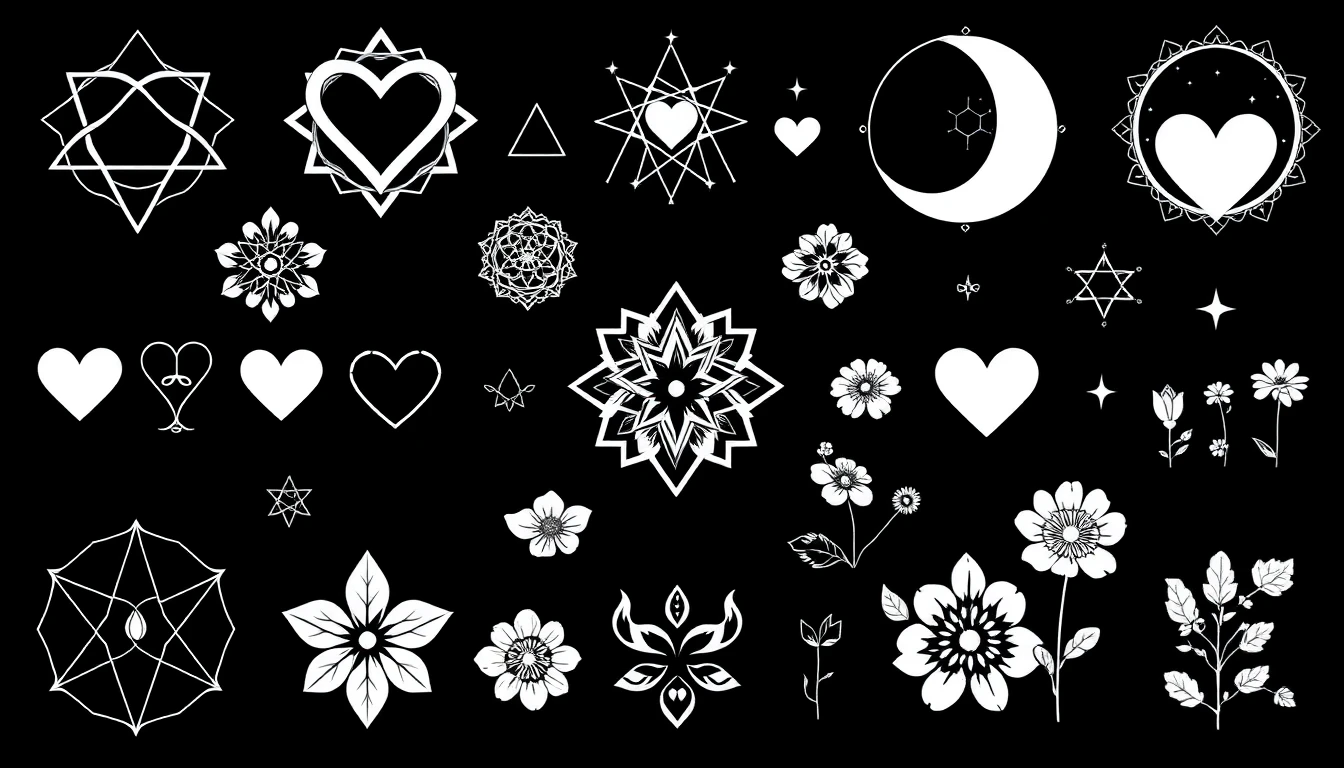
Most people want tattoos that mean something. Here's how to use AI to find unique tattoo ideas with personal significance:
Memorial and tribute tattoos:
- Describe the person and what they meant to you
- Include their interests, favorite things, or shared memories
- Try: "A memorial tattoo for my grandmother who loved gardening and hummingbirds, in a delicate watercolor style"
Life milestone tattoos:
- Recovery, survival, achievement, transformation
- Include symbols of before and after, struggle and triumph
- Try: "A phoenix-inspired design representing recovery and rebirth, with subtle elements of broken chains"
Identity and value tattoos:
- What defines you? What do you stand for?
- Cultural heritage, personal philosophy, core beliefs
- Try: "A minimalist design combining Scandinavian heritage symbols with modern geometric style"
Relationship tattoos:
- Matching pieces, complementary designs, shared symbols
- Inside jokes, meaningful dates, shared experiences
- Try: "Two complementary tattoos representing yin and yang but using mountain and ocean imagery"
Exploring Different Styles
One powerful use of tattoo inspiration ai is seeing the same concept in different styles. According to tattoo style research, style choice dramatically affects how a design looks and ages.
Try your concept in multiple styles:
Traditional/Old School: Bold lines, limited colors, classic imagery. Try: "A rose in traditional American tattoo style with bold black outlines"
Minimalist: Fine lines, simple shapes, lots of negative space. Try: "A minimalist single-line rose, continuous line drawing style"
Geometric: Shapes, patterns, mathematical precision. Try: "A rose made entirely of geometric shapes and sacred geometry patterns"
Watercolor: Soft edges, color splashes, painterly effects. Try: "A rose in watercolor tattoo style with soft pink splashes and no hard outlines"
Realistic: Photographic detail, shading, depth. Try: "A photorealistic rose with detailed shadows and water droplets"
Blackwork: Heavy black ink, patterns, graphic style. Try: "A rose in heavy blackwork style with ornamental patterns"
Explore our tattoo styles gallery to see how different aesthetics change the same subjects.
From Raw Ideas to Refined Concepts
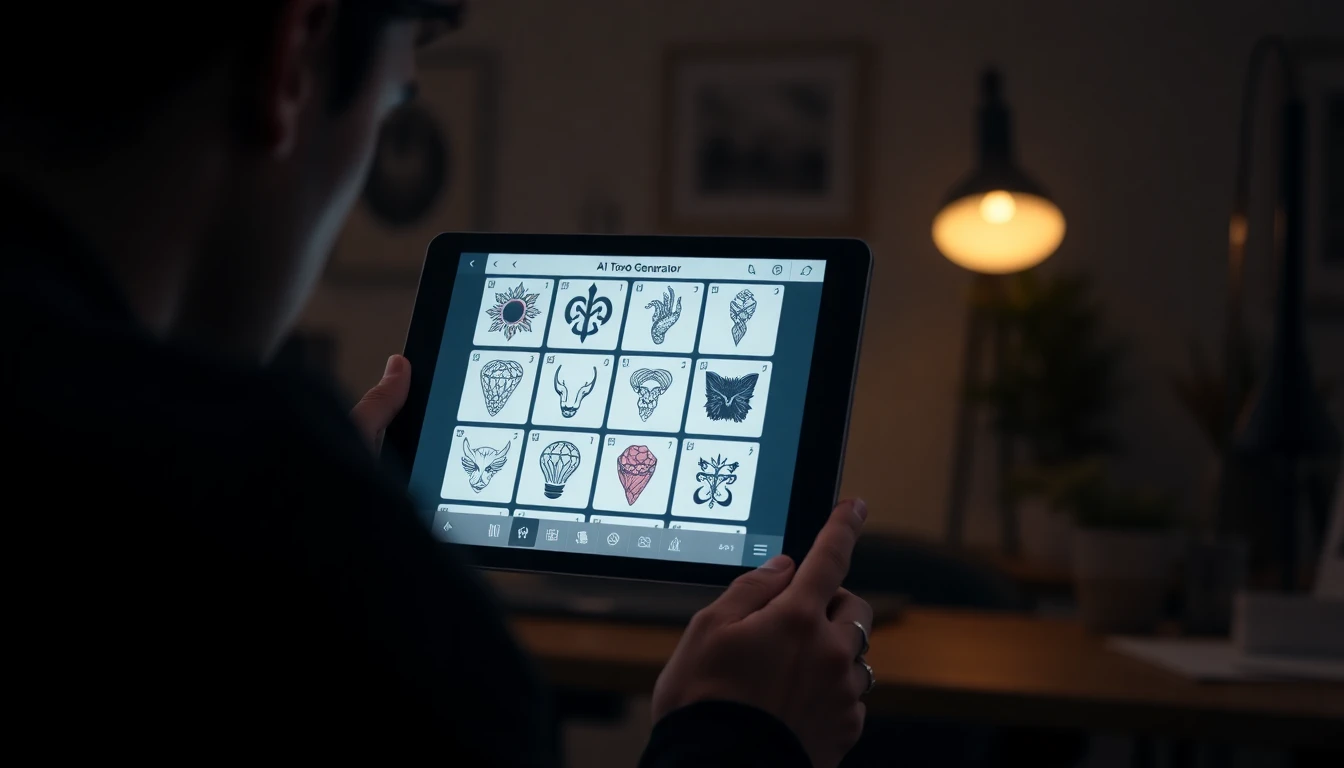
Once you find directions you like, refine them:
Add specificity:
- General: "A nature tattoo"
- Specific: "A Pacific Northwest forest scene with Douglas firs, a crescent moon, and subtle geometric elements, in fine line blackwork"
Combine winning elements: If you liked the composition of one generation and the style of another, describe both in a new prompt.
Specify what you don't want: "A lion design without the mane, showing just the face in geometric style, no color"
Consider placement: Add your intended body location. Different placements work better with different compositions. "A vertical design for the forearm" or "A circular design for the shoulder blade"
Think about scale: "A small, delicate design for the wrist" creates different results than "A large, detailed piece for the back"
Popular Themes for AI Tattoo Ideas
Here are proven themes that work well with ai tattoo idea generators:
Nature and Wildlife:
- Animals with symbolic meaning (wolves, lions, elephants, birds)
- Botanical designs (flowers, trees, leaves, mushrooms)
- Landscapes (mountains, oceans, forests, deserts)
- Celestial (moons, stars, planets, constellations)
Cultural and Mythological:
- Japanese imagery (dragons, koi, cherry blossoms)
- Greek mythology (gods, creatures, symbols)
- Celtic patterns and knots
- Indigenous symbols and art styles
Abstract and Artistic:
- Geometric patterns and sacred geometry
- Surreal combinations and dream imagery
- Artistic movements (Art Nouveau, Art Deco, modern)
- Music, dance, or movement visualized
Personal and Custom:
- Coordinates of meaningful places
- Soundwaves of voices or songs
- Personal symbols and inside references
- Pet portraits and custom characters
Taking AI Ideas to Your Tattoo Artist
AI-generated ideas are starting points, not final stencils. Here's how to work with your artist:
Share your exploration: Bring multiple AI generations that resonate with you. Show what you like about each one — the style, composition, specific elements, or overall feeling.
Explain your journey: "I started thinking I wanted X, but the AI exploration led me to discover I actually want something more like Y." This context helps artists understand your vision.
Be open to adaptation: Professional tattoo artists understand what works on skin. They'll adapt AI concepts for tattooing — adjusting line weights, simplifying details, ensuring longevity. Trust their expertise.
Use AI for communication: Instead of struggling to describe your vision, show them. AI images bridge the gap between what's in your head and what your artist needs to understand.
Expect collaboration: The best tattoos often emerge from combining your AI-inspired vision with an artist's technical skill and creative input. As Inked Magazine recommends, treat the process as a partnership.
Avoiding Common AI Tattoo Idea Mistakes
Learn from others' experiences:
Don't fall in love with details that won't translate: AI can create incredibly detailed images that would be impossible or unwise to tattoo. Focus on concepts and composition rather than precise pixel-level details.
Don't skip the artist consultation: AI gives you ideas, but a professional tattoo artist knows what works on skin, how designs age, and how to optimize for your specific body placement.
Don't rush: The ability to generate infinite options is powerful, but it can also be overwhelming. Take time to sit with ideas. The ones that still excite you after a week are worth pursuing.
Don't ignore style considerations: A design might look great digitally but require a specific style expertise your local artist might not have. Consider both the design and who will execute it.
Don't forget about placement: Generate ideas with your intended body location in mind. A design perfect for the shoulder might not work on the wrist.
Getting Started with AI Tattoo Ideas
Ready to find your perfect ai tattoo idea? Here's your action plan:
- Start broad: Spend 30 minutes generating ideas across different themes and styles. Don't judge — just explore.
- Notice patterns: What makes you pause? What do you keep coming back to? What surprises you?
- Go deeper: Take your favorite directions and refine them with more specific prompts.
- Try on placement: Once you have concepts you love, visualize them on your intended body location.
- Sit with it: Save your favorites and revisit them over a few days. The ones that still excite you are worth pursuing.
- Find your artist: Research artists whose style matches your vision, and share your AI exploration with them.
The beauty of ai generated tattoo ideas is that there's no cost to exploration. You can generate hundreds of concepts, discover styles you never knew you loved, and arrive at your tattoo consultation with clear visual references instead of vague descriptions. Start generating — your perfect tattoo idea might be just one prompt away.
Start Generating Tattoo Ideas
Explore unlimited concepts, styles, and combinations. Your perfect tattoo is waiting to be discovered.


Written by
INK Editorial
Turn this idea into ink
Generate unique tattoo designs, preview placements, and export in HD. No guesswork — just better concepts.
Start designing freeMore reads
All articles
How AI Tattoo Generators Actually Work (And How to Use Them)
Everything you need to know about using AI to design your next tattoo - from text prompts to photo uploads to trying designs on your body.
The Best AI Tattoo Apps in 2025 (Honest Comparison)
We tested all the major AI tattoo generator apps and compared their features, quality, and pricing. Here's what we found.
Are Free AI Tattoo Generators Actually Good?
The truth about free AI tattoo tools - what you actually get, what the catch is, and whether paying makes sense.