The Best AI Tattoo Apps in 2025 (Honest Comparison)
We tested all the major AI tattoo generator apps and compared their features, quality, and pricing. Here's what we found.
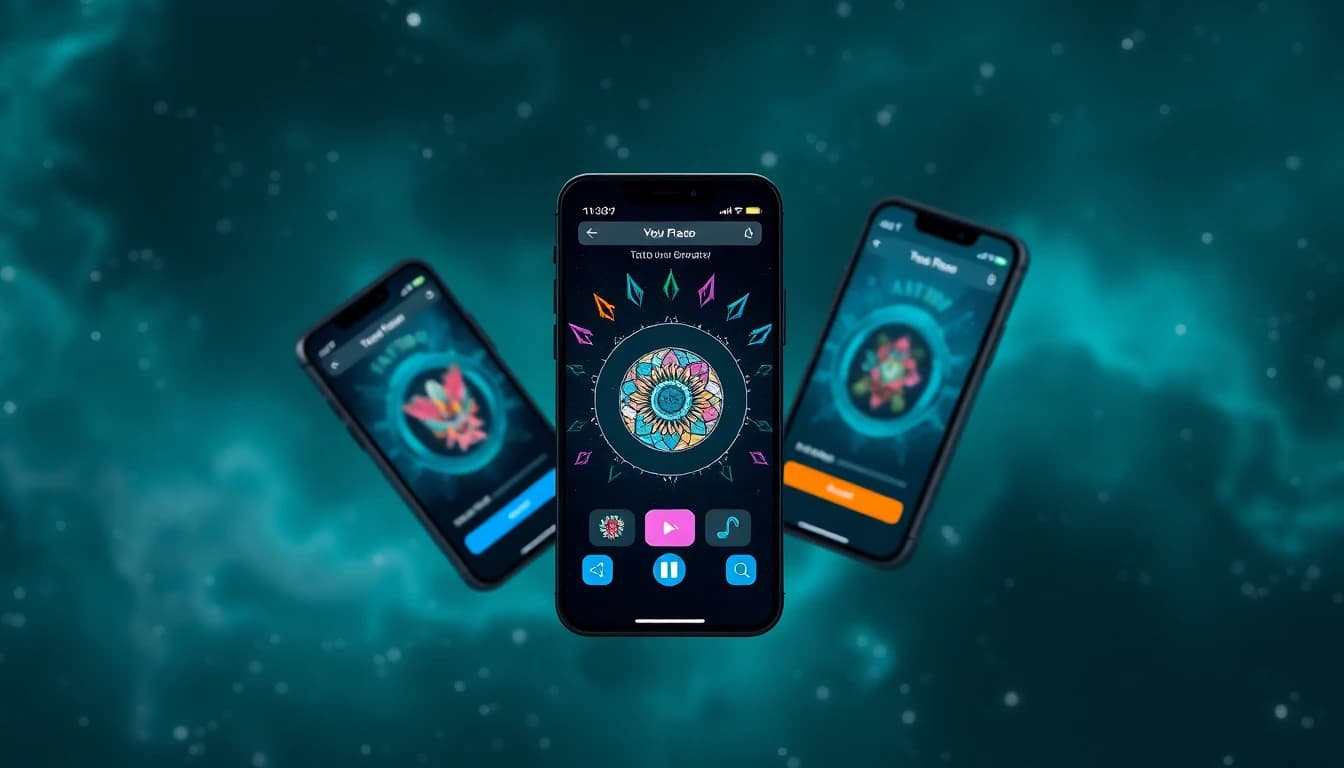
Looking for an AI tattoo app but overwhelmed by the options? You're not alone. The market for best ai tattoo generator tools has exploded in the past year, with dozens of apps claiming to create stunning tattoo designs. But which ones actually deliver?
We downloaded and tested the major players to see how they stack up. No marketing fluff — just honest observations about what works, what doesn't, and which app makes sense for different needs. Whether you're looking for the best ai tattoo generator app for detailed designs or something quick and simple, this guide has you covered.
Why AI Tattoo Apps Are Worth Your Time
Before we compare apps, let's address the obvious question: do you even need an ai tattoo generator app? If you're planning to get a tattoo, here's why these tools have become genuinely useful:
You get to see your ideas before they're permanent. The traditional process involves describing your vision to an artist, waiting for their sketch, and hoping it matches what you imagined. With AI, you can generate dozens of variations in minutes.
It saves money on consultations. Many artists charge for custom design work. Coming in with a clear reference — even an AI-generated one — cuts down on back-and-forth time.
Exploration is free (or cheap). Not sure what style you want? AI lets you experiment with Japanese, traditional, minimalist, geometric, and more without commitment. Browse all tattoo styles and try the same concept across ten different options to see what speaks to you.
It breaks creative blocks. Sometimes you know you want a tattoo but can't articulate exactly what. AI can help bridge that gap between vague idea and concrete image.
What to Look for in a Good Tattoo App
Not all tattoo design apps are created equal. After testing over a dozen options, here are the features that actually matter:
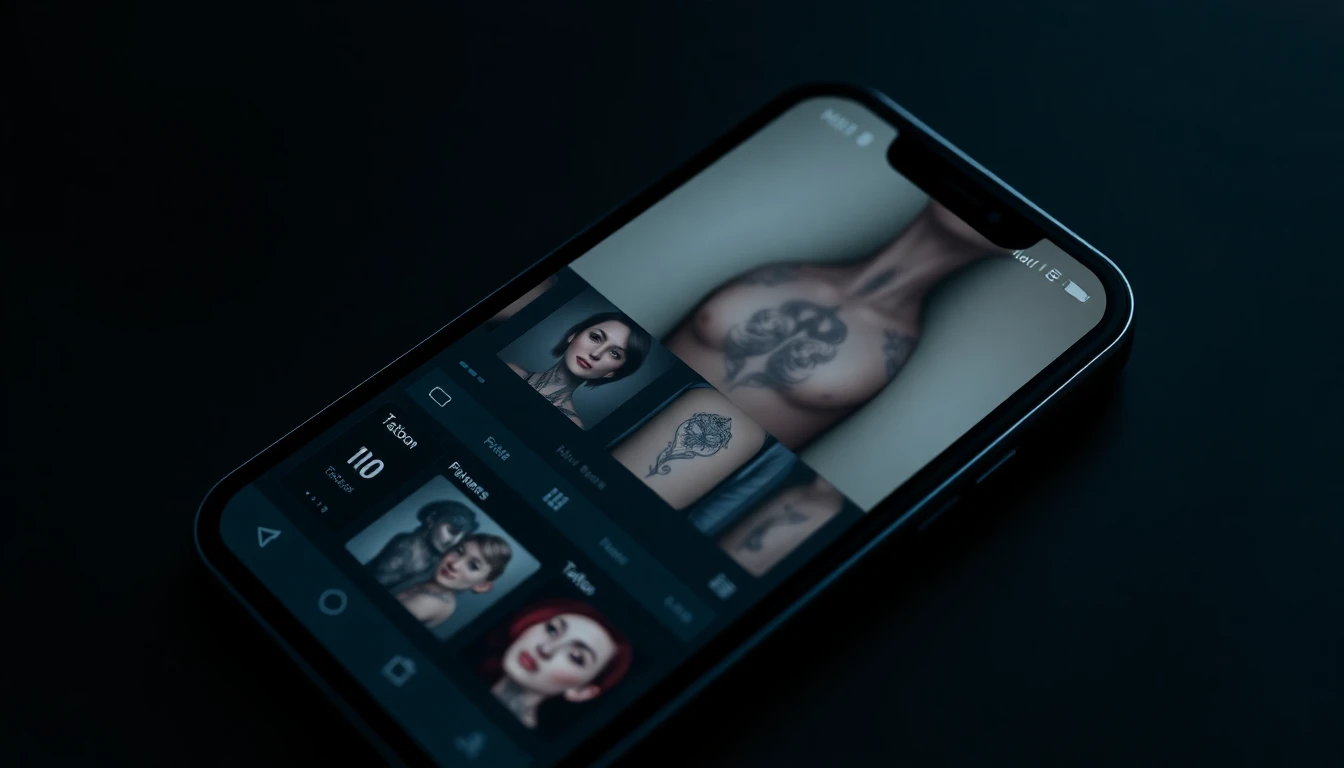
Design quality: This seems obvious, but some apps produce generic, clip-art-looking results. The best apps create designs that actually look like they could be tattooed — proper line weights, appropriate detail levels, and good composition.
Style variety: Can the app do more than one style well? Some are great at traditional but terrible at fine line work. Look for apps that handle multiple tattoo styles competently.
Text-to-image capability: The ability to describe what you want in words and get something close is crucial. Good prompt understanding separates the useful apps from the frustrating ones. Learn how to write effective prompts for better results.
Photo-to-tattoo conversion: If you want to turn a photo into a tattoo design — like a portrait or pet picture — this feature needs to work well. Many apps claim to offer it but produce unusable results.
Body preview: Seeing how a design looks on your actual body changes everything. Apps with AR try-on features let you test placement and scale before committing.
Pricing fairness: Some apps hide their best features behind expensive paywalls or use confusing credit systems. The best apps are upfront about what you get.
INK AI Tattoo Generator - Our Pick (and Why)
Yes, we're biased — this is the INK blog. But we're also being honest: we built INK specifically because existing apps weren't cutting it. Here's what sets it apart:
It's actually built for tattoos. Unlike generic AI image generators adapted for tattoos, INK was trained specifically on tattoo artwork. The difference shows in line quality, shading, and how well designs "read" as actual tattoos rather than illustrations.
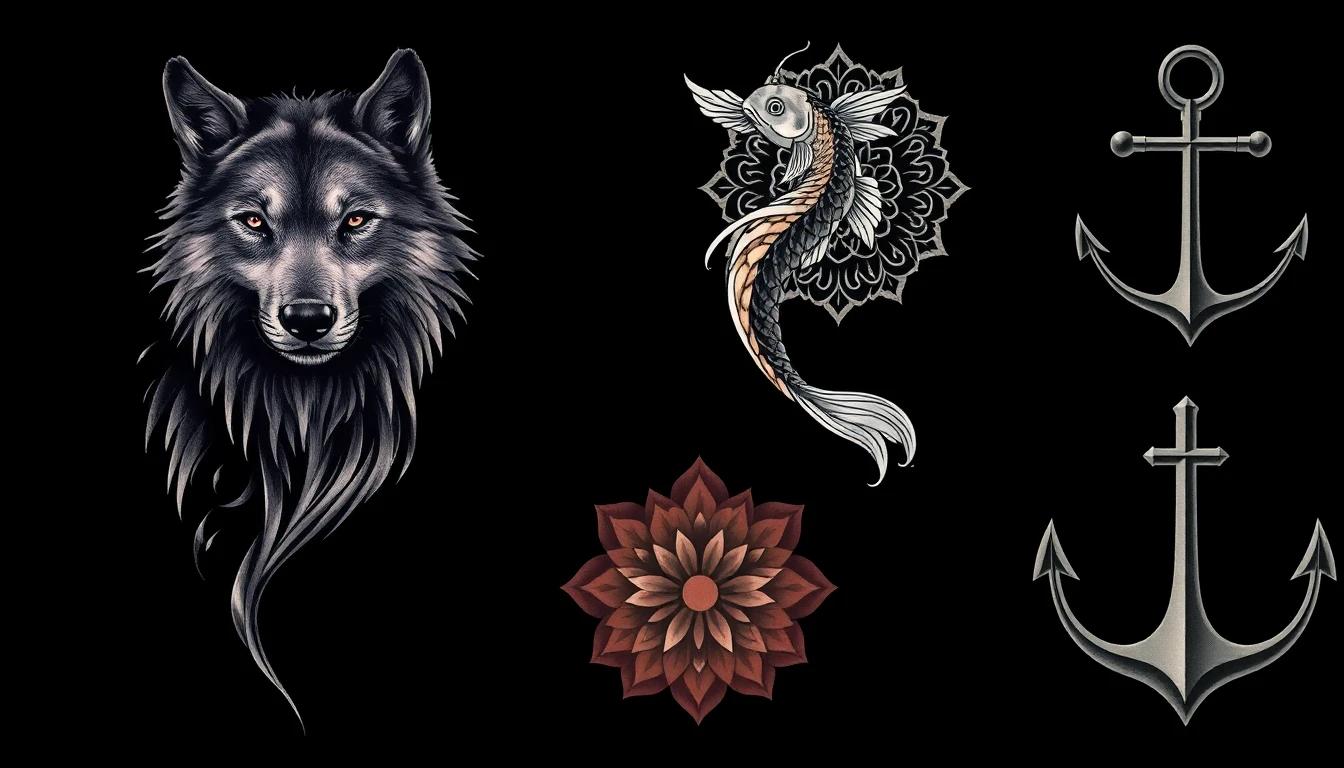
Strong prompt understanding: Tell it you want "a wolf howling at the moon, geometric style, with pine trees, blackwork" and you'll get exactly that — not some random interpretation. The text-to-image capability is refined for tattoo-specific language.
Real body preview: The AR placement feature actually works. Point your camera at your arm and see the design at realistic scale. It's not perfect — no AR is — but it's good enough to prevent major placement regrets.
Style range: Traditional, Japanese, fine line, geometric, blackwork, watercolor, neo-traditional, tribal, minimalist — INK handles all the major styles competently. Some apps nail one or two styles but fumble the rest.
Free tier that's actually usable: You can generate real designs without paying. The free tier has limitations (fewer daily generations, watermarks on downloads), but it's enough to evaluate whether the app works for you before spending money.
What it doesn't do well: Being honest here — photo-to-tattoo for complex portraits can be hit or miss. Simple photos convert beautifully, but detailed faces sometimes lose important features. We're actively improving this.
Other Apps Worth Checking Out
INK isn't the only option, and different people have different needs. Here are the other ai tattoo generator apps worth considering:
Tattoo AI Generator (by various developers): There are several apps with this generic name on both app stores. Quality varies wildly. Some are surprisingly decent for simple designs; others are barely functional. Check recent reviews before downloading.
TattooDreamAI: Good for simpler, more stylized designs. Less realistic than INK but produces clean, usable results. The interface is straightforward and beginner-friendly.
Midjourney (via Discord): Not a dedicated tattoo app, but this general AI image generator can produce stunning tattoo designs if you know how to prompt it. Requires more skill and isn't mobile-native, but advanced users swear by it.
DALL-E / ChatGPT Plus: Similar to Midjourney — powerful but requires learning curve. No tattoo-specific features, but capable of generating reference images if you craft prompts carefully.
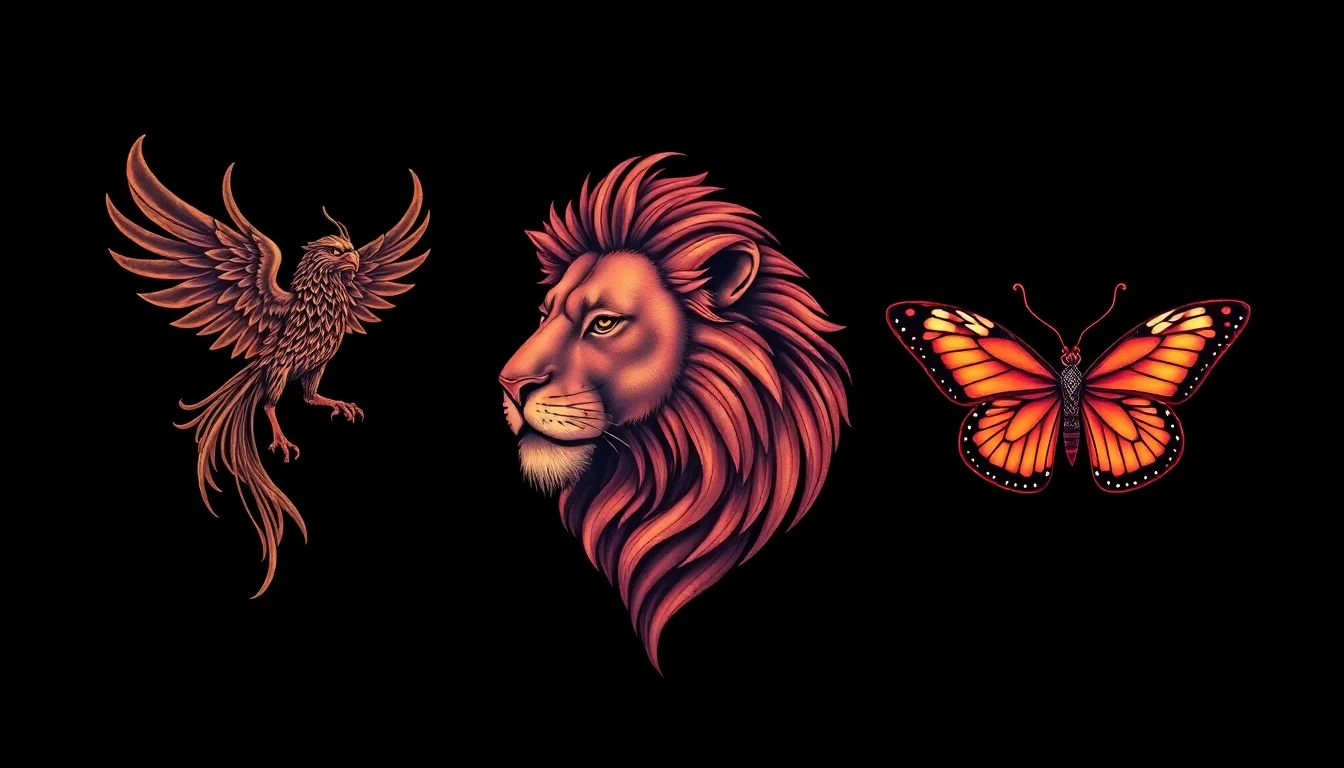
Tattoo Design Apps (non-AI): Traditional tattoo apps that offer pre-made designs and basic editing tools. No AI generation, but some have massive libraries of flash designs. Useful if you want something classic rather than custom.
The honest truth: the dedicated ai tattoo apps are improving rapidly. What was cutting-edge six months ago is now standard. Competition is driving quality up and prices down across the board.
Free vs Paid: What Do You Actually Get?
Most tattoo design apps use a freemium model. Here's what that typically means in practice:
Free tiers usually include:
- Limited daily or weekly generations (often 3-5 per day)
- Basic styles (maybe not all available)
- Watermarked downloads
- Lower resolution outputs
- Ads between generations
Paid tiers typically add:
- Unlimited or generous generation limits
- All styles unlocked
- High-resolution, watermark-free downloads
- Priority processing (faster generation)
- Body preview features
- Photo-to-tattoo conversion
- No ads
Is paid worth it? Depends on your use case. If you're casually exploring ideas, free tiers are usually sufficient. If you're seriously planning a tattoo and want to generate dozens of variations to find the perfect one, paid removes the friction.
Watch out for apps with confusing "credit" systems where you buy credits in bulk but can't tell how many generations each credit buys. Subscription models with clear limits (like "50 generations per month") are easier to evaluate.
Which App Fits Your Needs?
Let's cut through the noise. Here's who should use what:
Choose INK if: You want the most tattoo-specific results, need body preview, value style variety, or are seriously planning an actual tattoo appointment.
Choose a general AI tool (Midjourney/DALL-E) if: You're already comfortable with AI prompting, want maximum creative control, or need the design for reference rather than direct tattoo use.
Choose a simpler tattoo app if: You want quick, stylized designs without learning curves, or you're just playing around with ideas.
Choose traditional flash libraries if: You want proven, classic designs rather than AI-generated originals.
No single app is best for everyone. The good news is that most offer free trials, so you can test without commitment.
Getting Started with Your First Design
Whichever app you choose, here are tips for getting good results:
Start specific. "Cool dragon" gives you generic results. "Japanese-style water dragon, blue and gold, with clouds and waves, flowing vertically" gives you something usable.
Generate multiples. Never stop at the first result. Run the same prompt several times. AI introduces randomness, and the fifth variation might be the winner.
Iterate. If something's close but not quite right, tweak your prompt and try again. Add "more detailed" or "simpler lines" or "darker shading" to refine.
Save everything. That design you dismissed at first might become your favorite after reflection. Export your favorites before moving on.
Show your artist. AI designs are starting points, not final stencils. Your tattoo artist will adapt the design for your body and their technique. Bring your AI reference and be open to their professional input.
Ready to start designing? Download INK and see what AI can create for your next tattoo. It's free to try, and you might surprise yourself with what you come up with.
Try INK Free
Generate your first tattoo design in seconds. No credit card required.


Written by
INK Editorial
Turn this idea into ink
Generate unique tattoo designs, preview placements, and export in HD. No guesswork — just better concepts.
Start designing freeMore reads
All articles
How AI Tattoo Generators Actually Work (And How to Use Them)
Everything you need to know about using AI to design your next tattoo - from text prompts to photo uploads to trying designs on your body.
Are Free AI Tattoo Generators Actually Good?
The truth about free AI tattoo tools - what you actually get, what the catch is, and whether paying makes sense.
How to Describe Your Tattoo Idea to AI (And Get Great Results)
Master the art of writing prompts that translate your vision into stunning AI-generated tattoo designs.