Turn Your Photos Into Tattoo Designs
Learn how to transform your favorite photos into beautiful, ink-ready tattoo artwork using AI technology.
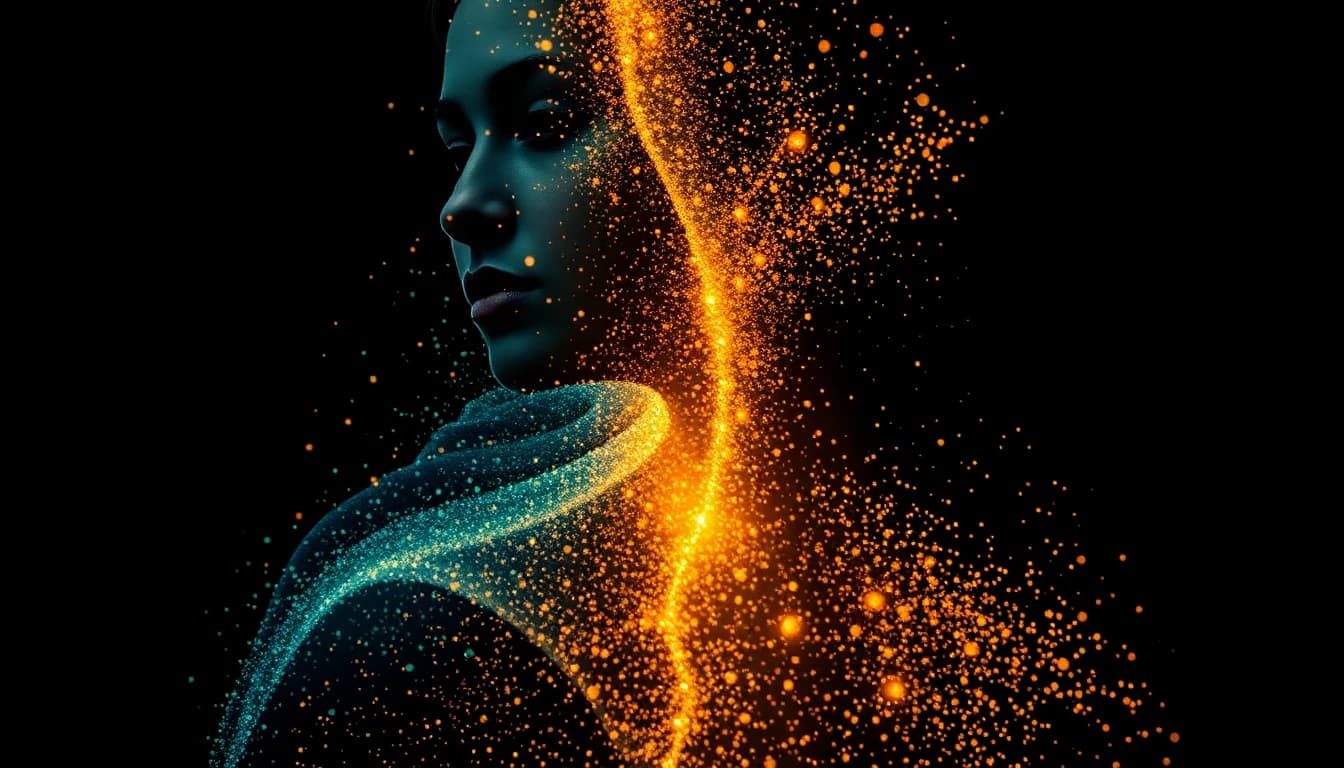
That photo on your phone — the one of your grandmother, your dog, that sunset from your favorite trip — what if it could become a tattoo? Not just any tattoo, but one that captures the essence of that image while looking like it was designed specifically for ink.
This is exactly what AI tattoo generator from photo technology does. You upload an image, and the AI transforms it into artwork that translates to skin. It's not magic, but it feels close to it. And understanding how to use it properly makes the difference between generic results and something truly special. (Prefer to describe your idea in words? Check out our guide on writing effective tattoo prompts.)
Why Turn Photos Into Tattoos?
Some moments and memories deserve permanence. A photo to tattoo conversion lets you carry meaningful images with you forever — but in a form that's been optimized for the unique medium of tattooing.
Photos make powerful tattoo references because they're personal. No one else has that exact image of your grandmother's smile, your childhood pet, or the view from where you got engaged. Unlike browsing flash designs, photo-based tattoos are inherently unique. As photography has evolved, so has our ability to preserve moments — and now AI lets us transform those moments into permanent body art.
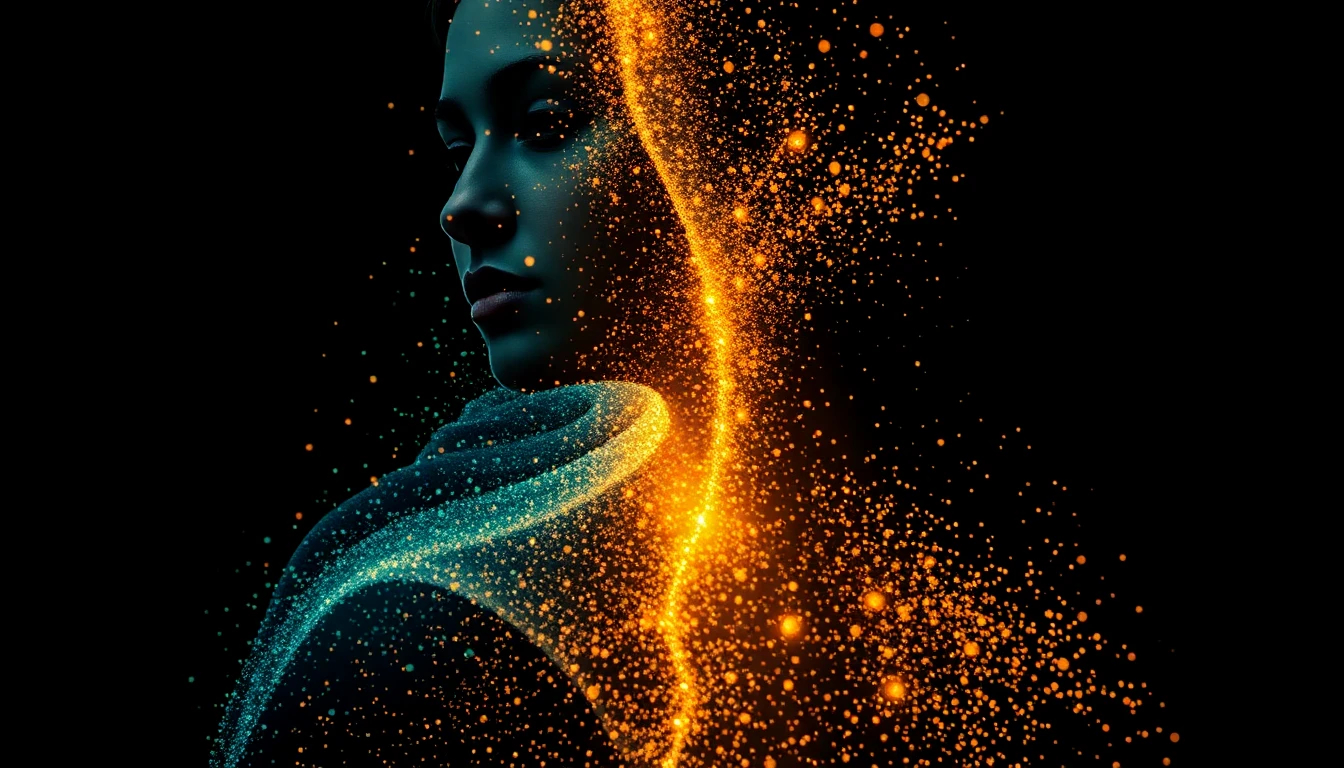
But photos don't automatically make good tattoos. The lighting, colors, and details that work in photography don't always translate well to ink on skin. That's where AI comes in — it bridges the gap between photograph and tattoo art, making decisions about what to emphasize, simplify, and stylize.
What Photos Work Best (And What Doesn't)
Not every photo makes a good tattoo. Before uploading to an ai tattoo on photo tool, consider these factors:
Photos that work well:
- Clear subjects with defined features
- Good lighting with visible details
- Simple backgrounds that don't compete with the subject
- Emotional or meaningful content worth immortalizing
- High resolution (so the AI has detail to work with)
Photos that struggle:
- Blurry or low-resolution images
- Busy backgrounds with multiple competing elements
- Group photos with many people
- Images where the subject is small in the frame
- Heavily filtered or edited photos
The AI needs clear information to work with. A crisp photo of your dog's face will convert beautifully. A blurry group shot from a party will produce muddy results no matter how meaningful the memory.
Getting Your Image Ready for Best Results
A little preparation dramatically improves your picture to tattoo design outcomes:
Crop to your subject. If you want a portrait of your grandmother, crop out the background and other people. The AI should focus on what matters.
Choose the right photo. Got multiple shots of the same subject? Pick the one with the clearest features, best lighting, and most characteristic expression. That slight smile that defined someone — find the photo that captures it.
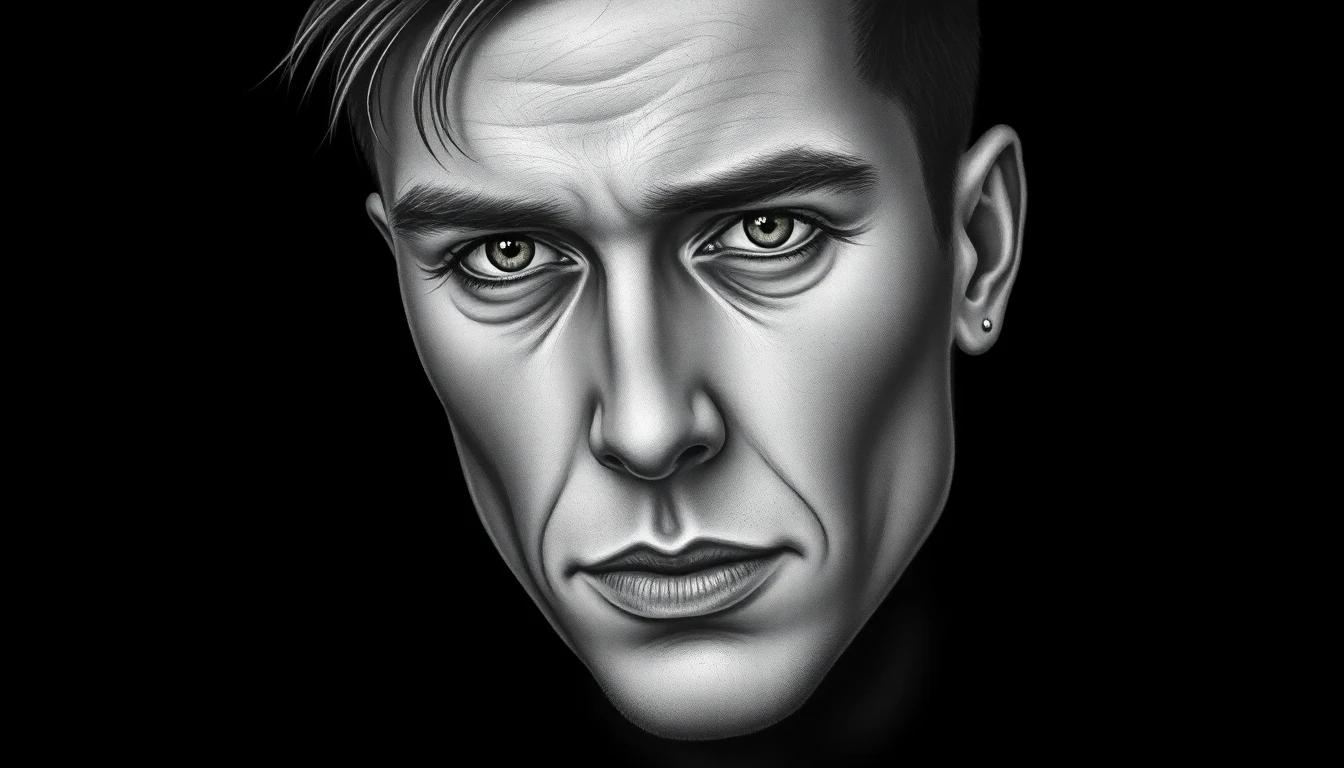
Consider the final size. A photo with intricate details might need to become a larger tattoo to preserve those details. If you want something small, choose a simpler image.
Specify your preferred style. The same photo can become a realistic portrait, a stylized illustration, a geometric interpretation, or a minimalist line drawing. Know what you want before generating. Explore different tattoo styles to find the right aesthetic for your photo.
Memorial Tattoos: Honoring People You've Lost
Memorial tattoos carry deep emotional weight. The tradition of memorial tattoos goes back centuries, and using ai tattoo from image technology for these pieces requires thoughtful approach:
Choose a photo that captures their essence. Not necessarily the "best" photo technically, but the one that feels most like them. The smile they always had, the way they looked at you, their characteristic pose.
Consider realistic vs. stylized. Realistic portraits require exceptional tattoo artistry to execute well. A stylized or illustrative approach might capture the spirit while being more forgiving technically. AI can generate both — experiment with different style settings.
Add meaningful elements. Many people combine the portrait with symbolic elements — their favorite flower, a meaningful date, a short phrase. Mention these in your AI prompt.
Plan for longevity. Memorial pieces should age well. Simpler designs with strong contrast tend to hold up better over decades. Your AI design is a starting point — your tattoo artist will advise on what will look good long-term.
Take your time. There's no rush. Generate multiple versions, sit with them, and only proceed when something feels right.
Your Pet Deserves Permanent Art
Pet tattoos have become increasingly popular, and for good reason. Our animals give us unconditional love — why wouldn't we want to honor that permanently?
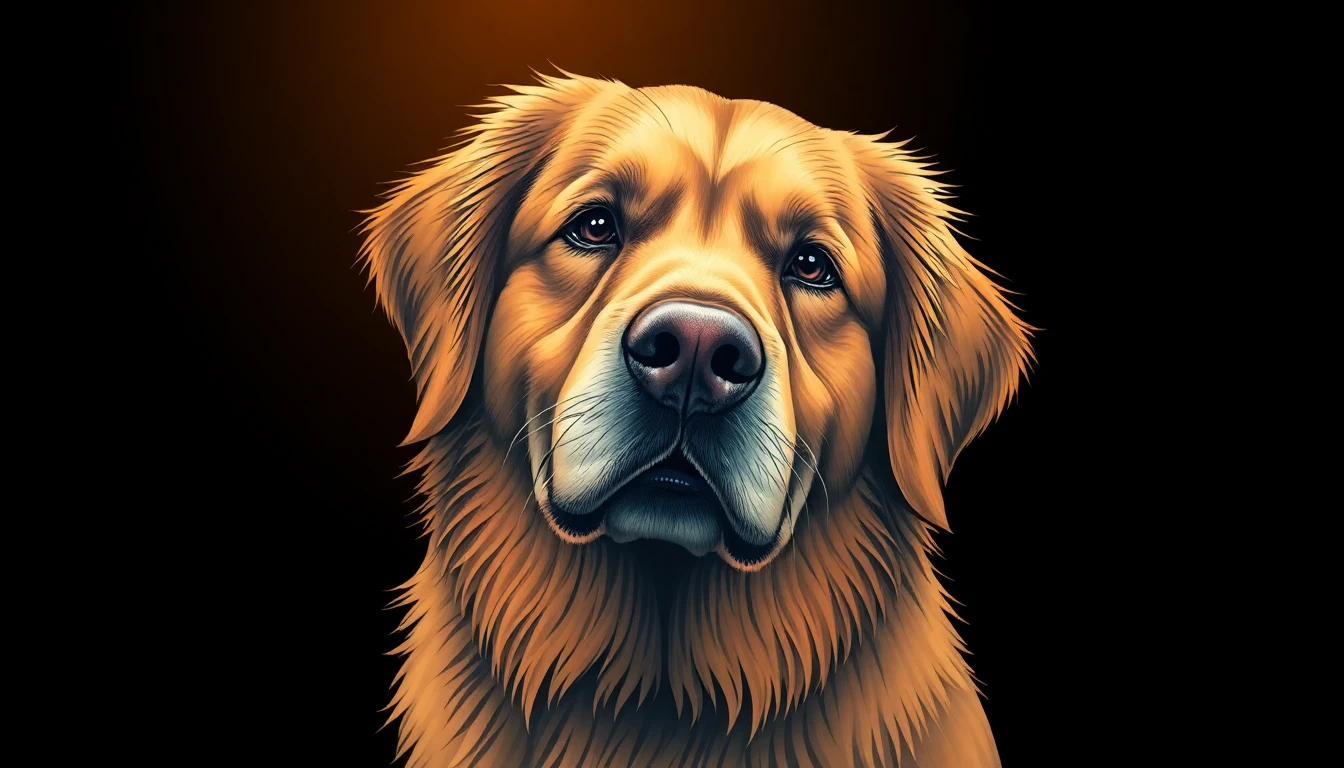
Photo-to-tattoo AI works particularly well for pets because:
Fur translates well to tattoo techniques. Whether it's realistic shading or stylized lines, the texture of fur gives AI and artists something to work with.
Animals have distinctive features. The shape of ears, the markings, the way they hold their head — AI recognizes and preserves these identifying characteristics.
Multiple style options work. A realistic portrait, an illustrative interpretation, a minimalist outline — pets look great across tattoo styles.
For best results with pet photos:
- Choose a photo where their face is clearly visible
- Good lighting on their features helps enormously
- Capture their characteristic expression — the personality
- Consider close-up head shots over full body images (unless going large)
Landscapes, Objects, and Everything Else
Photos don't have to be of living things. Many meaningful tattoos come from places, objects, and scenes:
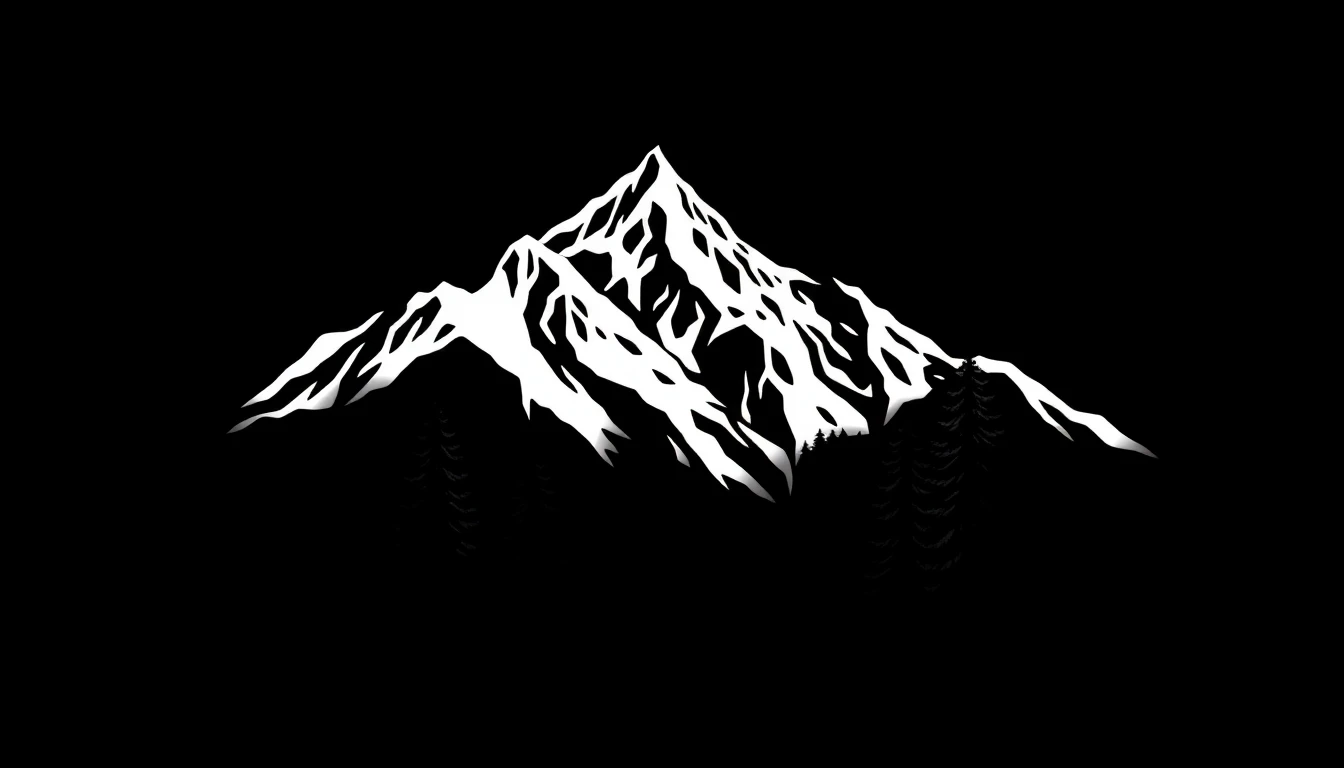
Landscape photos: That mountain view, beach sunset, or city skyline can become beautiful minimalist or geometric tattoos. AI excels at simplifying landscapes into clean line work while preserving what makes them recognizable.
Objects with meaning: Your grandmother's ring, a childhood toy, a musical instrument, your first car — anything with personal significance can transform into a tattoo. These often work best as realistic renderings or clean illustrative styles.
Architecture and places: Your hometown skyline, a building that matters to you, the house you grew up in — these translate well to tattoo art, especially in fine line or geometric styles.
Text and documents: A handwritten note, a signature, a meaningful document — AI can convert these into tattoo-appropriate artwork while preserving the personal handwriting.
The key is choosing photos where the subject is clear and the meaning is personal. AI doesn't care if your photo is "impressive" — it cares about having clear visual information to transform.
Ready to see what your photos could become? Upload your photo and let AI show you the possibilities. The photo that's been sitting in your camera roll for years might become the tattoo you wear for the rest of your life.
Transform Your Photos
Upload any image and see it transformed into tattoo art. Free to try.


Written by
INK Editorial
Turn this idea into ink
Generate unique tattoo designs, preview placements, and export in HD. No guesswork — just better concepts.
Start designing freeMore reads
All articles
Are Free AI Tattoo Generators Actually Good?
The truth about free AI tattoo tools - what you actually get, what the catch is, and whether paying makes sense.
How to Describe Your Tattoo Idea to AI (And Get Great Results)
Master the art of writing prompts that translate your vision into stunning AI-generated tattoo designs.
How Much Do Tattoos Actually Cost? (2025 Pricing Guide)
Real talk about tattoo pricing in 2025 - from small pieces to full sleeves, and how to budget for the ink you want.