Are Free AI Tattoo Generators Actually Good?
The truth about free AI tattoo tools - what you actually get, what the catch is, and whether paying makes sense.
"Free AI tattoo generator" — sounds too good to be true, right? With ai tattoo generator free tools popping up everywhere, you're probably wondering: what's the catch? Do these things actually work? Or are you going to waste an hour signing up for something that produces garbage?
Good news: some free ai tattoo generators are genuinely useful. Bad news: many aren't. This guide cuts through the marketing and tells you exactly what you can expect from free tools — and when it makes sense to pay.
Can You Actually Get Quality Tattoo Designs for Free?
Short answer: yes, but with limits.
The best free ai tattoo generator tools can produce real, usable designs. We're not talking about clip-art or basic outlines — we mean actual tattoo-quality artwork that you could take to an artist. The technology has matured enough that even free tiers produce impressive results. If you're curious about the technology behind this, check out our guide on how AI tattoo generators actually work.
The longer answer: "free" means different things to different apps. Some offer genuinely unlimited free generations with watermarks. Others give you a few free tries before requiring payment. And some use "free" as bait to collect your email before revealing the paywall.
What you won't get for free: unlimited high-resolution downloads, every style option, premium features like body preview, or priority processing. But for exploring ideas and getting started? Free tiers often deliver more than enough.
How Free AI Tattoo Generators Make Money
Nothing is truly free — these tools cost money to run. Understanding their business model helps you predict what you'll actually get:
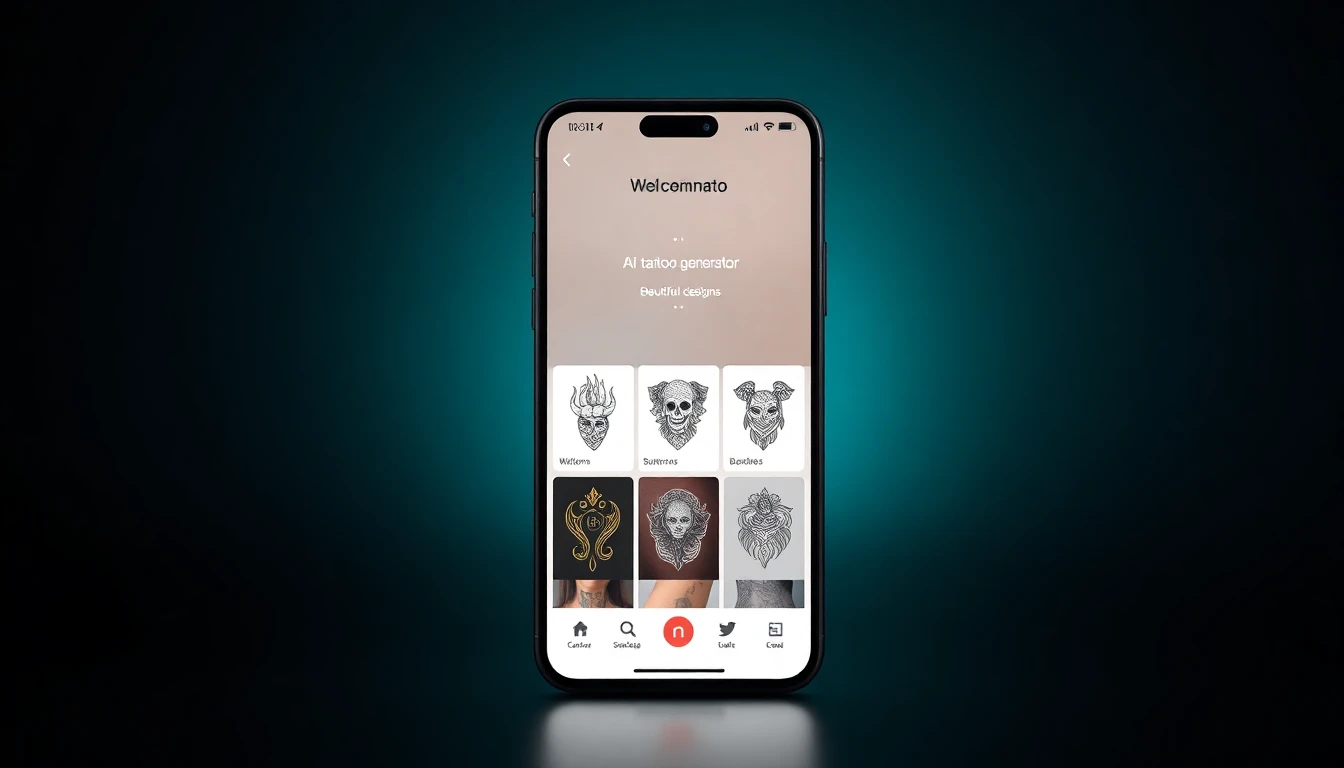
Freemium model (most common): Give away basic features, charge for advanced ones. This freemium business model means you get real value for free, and they hope you'll upgrade once you're hooked. This is usually the fairest approach.
Ad-supported: Free to use, but you'll watch ads between generations. Annoying but functional. The trade-off is your time, not your money.
Data collection: Some apps want your email, usage patterns, or design preferences. They might sell this data or use it for marketing. The FTC recommends reading privacy policies if this concerns you.
Limited trials: "Free" means 3-5 generations, then you hit a wall. This is less "free tier" and more "free sample." Still useful for testing whether an app works for you.
Watermarked output: Generate all you want, but downloads have watermarks. Fine for planning, annoying if you want to share or print. Paying removes the watermark.
What Free Access Actually Includes
Across most ai tattoo generator free tools, here's what you can typically expect without paying:
Basic text-to-image generation: Describe your idea, get a tattoo design. This core feature usually works on free tiers, though with daily limits.
Style selection: Most apps let you choose from at least a few styles (traditional, minimalist, Japanese, etc.) even on free plans. Premium might unlock more niche options. Explore all available styles to see what's possible.
Low-resolution previews: You'll see your designs, but downloading in print-quality resolution often requires payment.
Watermarked exports: Save your designs, but with a logo or watermark. Fine for sharing with friends or your artist for feedback; not ideal for printing.
Limited generations: Anywhere from 3 per day to unlimited (with other restrictions). This is the main lever companies pull to encourage upgrades.
What you usually won't get free:
- Body preview / AR try-on features
- Photo-to-tattoo conversion
- High-resolution, watermark-free downloads
- Priority processing (your generations queue behind paid users)
- All style options
- History and saved designs (sometimes)
When Free Isn't Enough (And Premium Makes Sense)
Free tools are great for:
- Exploring whether you like AI tattoo generation
- Brainstorming general concepts
- Testing different styles before committing
- Getting quick reference images for Pinterest boards
- Playing around without pressure
Consider paying when:
- You're seriously planning a tattoo appointment
- You want to generate dozens of variations
- You need clean, high-res files to show your artist
- You want to preview designs on your actual body
- Daily limits are interrupting your creative flow
- You're frustrated by watermarks
The math often works out. If you're planning a tattoo that costs $300+, spending $5-15 on an app to perfect your design first is negligible. It's when you're casually browsing — not ready to commit — that free makes the most sense.
Getting the Most Out of Free Generations
Since free tiers limit your attempts, make each one count:
Write specific prompts. "Dragon" wastes a generation. "Japanese-style dragon, black and gray, with clouds, traditional irezumi style, vertical orientation" gives you something usable. Every detail you add improves the output. Our guide on describing your tattoo idea to AI covers this in depth.
Decide on style first. Burning generations to figure out if you want traditional or minimalist is wasteful. Browse existing tattoo references first, then use the AI to create your specific vision.
Screenshot everything. Some free tiers don't save your history. Screenshot designs before navigating away — you might not be able to get them back.
Use multiple apps. If one app gives you 3 free generations per day and another gives you 5, you've got 8 chances to explore. Most apps have different strengths anyway — see our comparison of the best AI tattoo apps for options.
Time your sessions. Daily limits reset at midnight (usually app server time). Generate in the evening, then again after midnight for double the output in one session.
Don't iterate blindly. If your first result is way off, rethink your prompt before trying again. Slight prompt tweaks often produce the same problems.
No Signup? No Problem
Some people don't want another account, another password, another app with their email. Fair. Here's the reality of ai tattoo generator free no sign up options:
Web-based generators: Some tools run entirely in your browser. No download, no signup. You visit the site, generate, and leave. These tend to have stricter limits or lower quality since they can't track returning users.
App "guest mode": Some mobile apps let you generate without creating an account. You'll usually hit lower limits than signed-in users, and your designs won't be saved across sessions.
The trade-off: Without an account, apps can't save your favorites, track your usage history, or offer personalized features. If you're just testing once, that's fine. If you're coming back repeatedly, signing up actually helps you.
INK offers limited generations without signup, with more unlocked when you create a free account. No credit card required — just an email to save your designs.
The best free ai tattoo generator options balance accessibility with useful features. Start with free, see if the tool clicks with your creative process, and upgrade only when the limits actually frustrate you.
Ready to test it yourself? INK's free tier lets you generate real designs right now — no payment info, no commitment. See what AI can create for your next tattoo.
Try INK Free — Really Free
No credit card. No catch. Just generate tattoo designs and see what you think.


Written by
INK Editorial
Turn this idea into ink
Generate unique tattoo designs, preview placements, and export in HD. No guesswork — just better concepts.
Start designing freeMore reads
All articles
How to Describe Your Tattoo Idea to AI (And Get Great Results)
Master the art of writing prompts that translate your vision into stunning AI-generated tattoo designs.

Turn Your Photos Into Tattoo Designs
Learn how to transform your favorite photos into beautiful, ink-ready tattoo artwork using AI technology.
How Much Do Tattoos Actually Cost? (2025 Pricing Guide)
Real talk about tattoo pricing in 2025 - from small pieces to full sleeves, and how to budget for the ink you want.