Planning Your First Sleeve (Without Making Expensive Mistakes)
Everything you need to know about planning a cohesive sleeve tattoo using AI design tools.
A sleeve tattoo is one of the biggest commitments you can make in body art. It's not just one tattoo — it's a coordinated collection that covers your arm and tells a visual story. The difference between a stunning sleeve and a disjointed mess of random tattoos comes down to one thing: planning.
An AI tattoo sleeve generator changes the game for sleeve planning. Instead of imagining how pieces might work together or trusting expensive consultations, you can visualize your complete sleeve before committing to a single needle stroke. This guide covers everything you need to plan your sleeve tattoo design the right way.
Why Sleeve Tattoos Need More Planning Than Other Tattoos
A random collection of tattoos on your arm isn't a sleeve — it's a patchwork. True ai tattoo sleeve design requires thinking about the entire arm as a single canvas. The history of sleeve tattoos shows how this art form evolved from simple arm bands to complex, flowing narratives.
Here's what makes sleeve planning different:
Flow and composition: Elements need to connect visually, even if they're different subjects. A dragon on your shoulder should visually lead to whatever's on your bicep, which flows into your forearm. Without planning, you get visual "dead spots" where nothing connects.
Background consideration: What fills the space between your main elements? Clouds, waves, geometric patterns, dotwork — this "filler" is actually crucial to making a sleeve look cohesive rather than scattered.
Style consistency: Mixing a realistic portrait with a traditional sailor jerry piece with a tribal band creates visual chaos. Successful sleeves maintain style consistency or very deliberately transition between styles.
Long-term vision: Sleeves take months or years to complete. You need to know where you're going before you start. Adding a new tattoo that doesn't fit the plan can derail years of work.
Full Sleeve vs Half Sleeve: Making the Right Choice
Before using an ai tattoo sleeve generator, decide on your scope. The decision between full and half sleeve affects everything from design to budget to lifestyle.
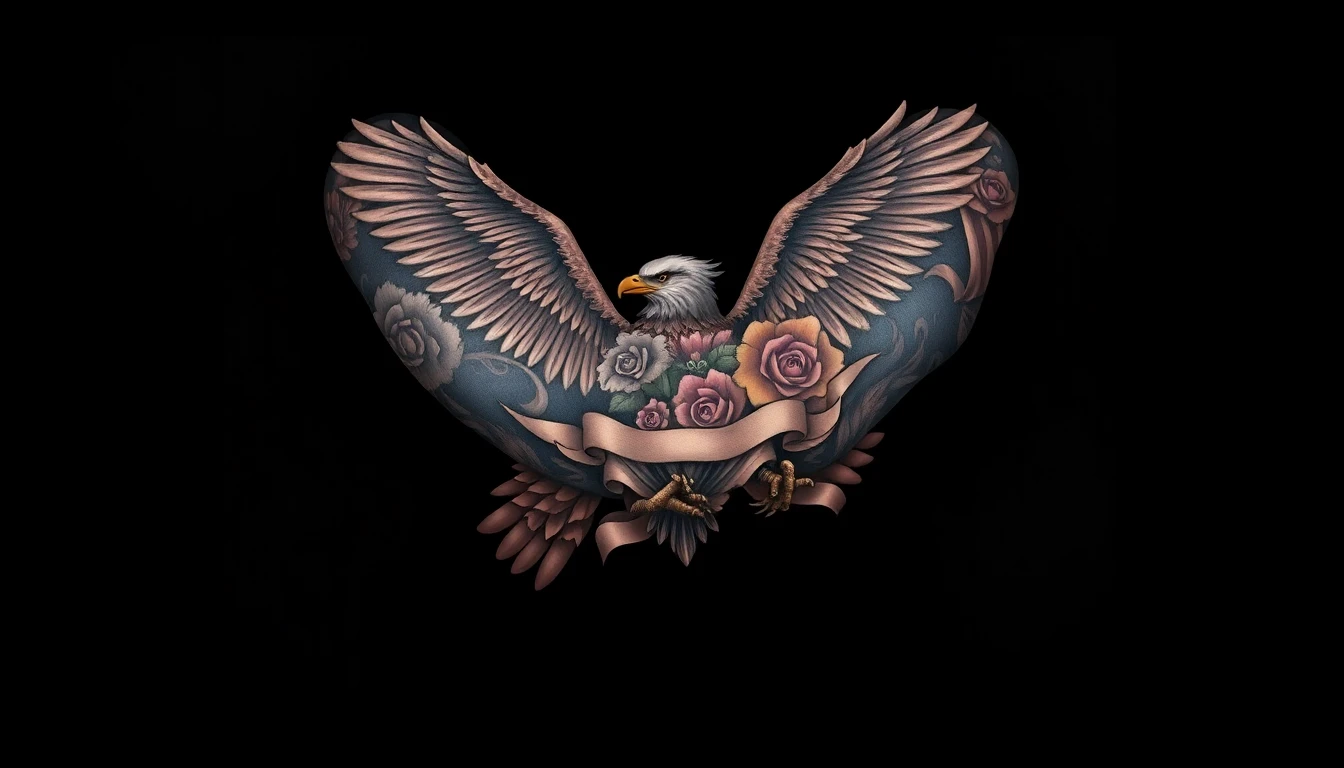
Full sleeve (shoulder to wrist):
- Maximum canvas for storytelling
- 4-8+ sessions over 6-18 months
- Investment of $1,500-$6,000+ depending on artist
- Visible in short sleeves — career consideration for some fields
- Room for multiple themes and elements that flow together
Half sleeve (shoulder to elbow or elbow to wrist):
- Easier to conceal for work
- 2-4 sessions typically
- Investment of $1,000-$3,000
- Can extend to full sleeve later
- Good entry point if you're unsure about full commitment
Not sure what the investment looks like? Check our guide on how much sleeves actually cost to budget properly.
Pro tip: If you think you might want a full sleeve eventually, plan for it from the start. Design your half sleeve so it can naturally extend later. Nothing's worse than a half sleeve that can't grow into a full one.
Choosing Your Sleeve Theme
The best sleeves have a unifying concept. This doesn't mean every element has to be literally the same — it means there's a thread connecting everything visually or thematically.
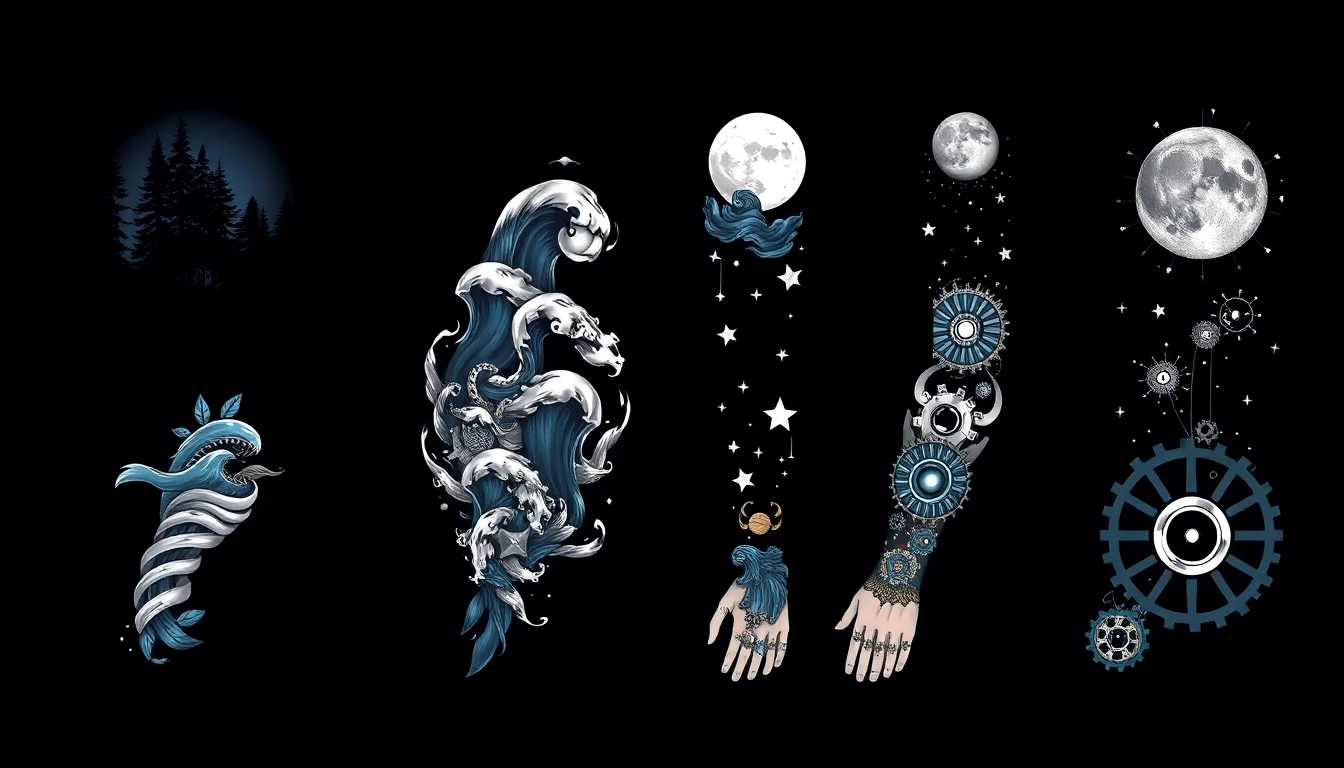
Popular sleeve themes that work well:
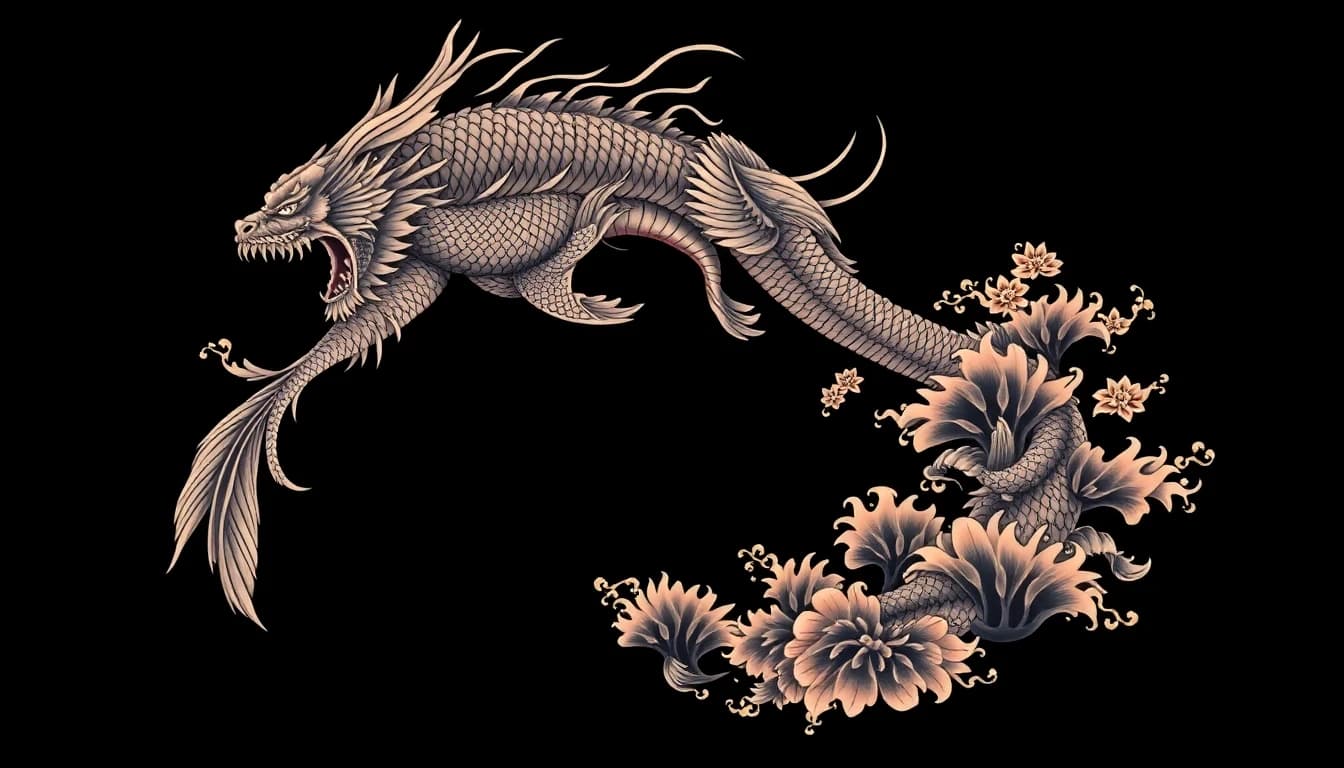
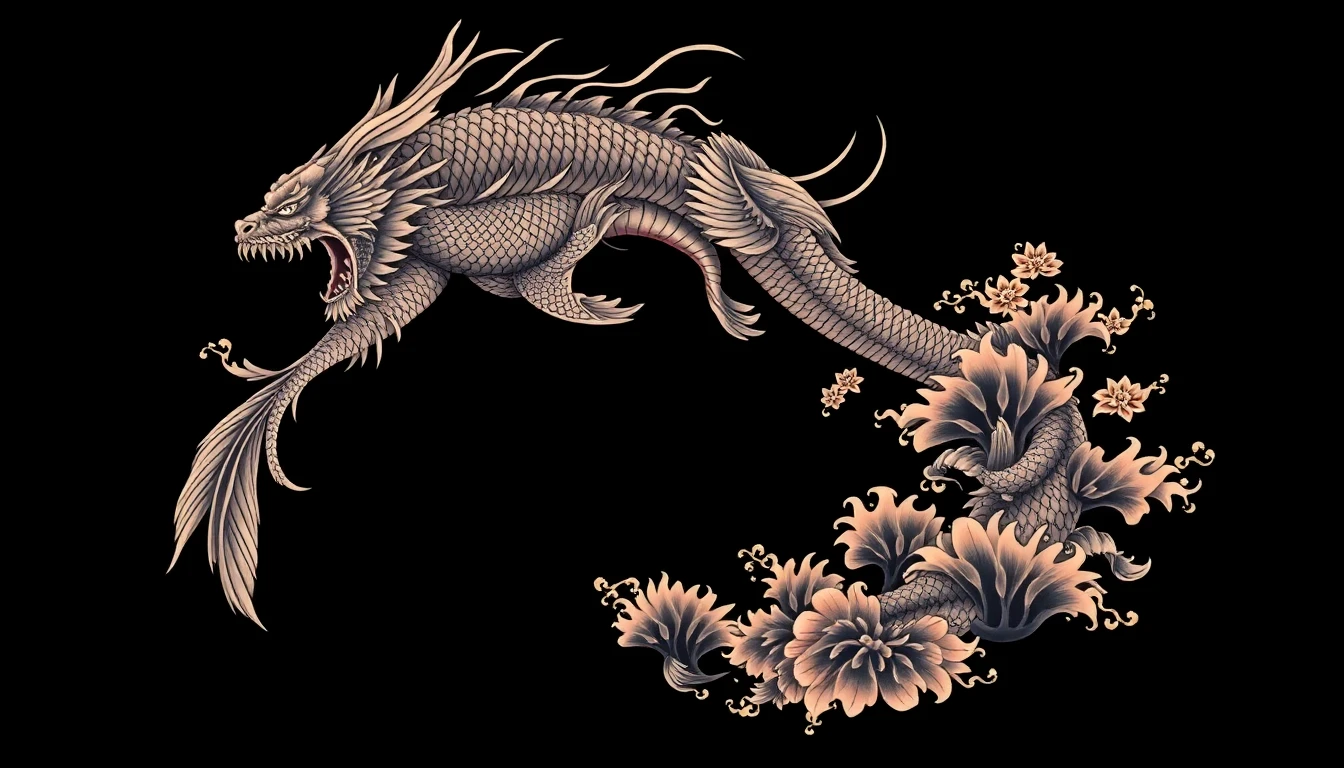
Japanese traditional (Irezumi): Dragons, koi fish, cherry blossoms, waves, and clouds. This style was literally designed for sleeves — the flowing compositions work perfectly on arms. Explore Japanese and traditional styles in our gallery.
Nature and wildlife: Forests, mountains, animals, flowers. The organic shapes flow naturally around the arm. Can range from realistic to illustrative.
Ocean and maritime: Ships, waves, sea creatures, nautical imagery. The constant movement in ocean imagery creates natural flow.
Dark and horror: Skulls, monsters, dark imagery. Heavy blackwork ties everything together.
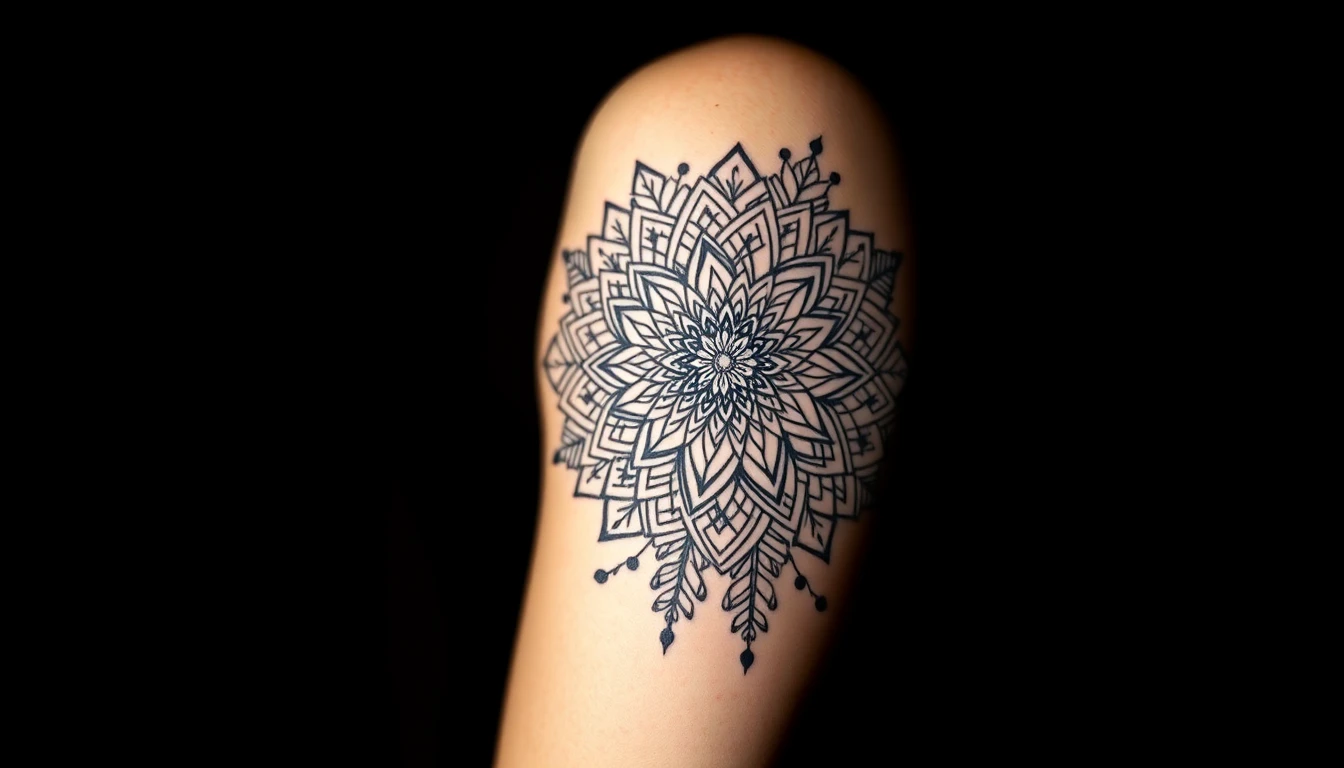
Geometric and sacred geometry: Patterns, mandalas, dotwork. The mathematical precision creates a different kind of cohesion.
Biomechanical: Machine meets flesh. Creates the illusion of mechanical components under skin.
Neo-traditional: Bold lines, rich colors, modern subjects. Classic techniques with contemporary imagery.
When generating designs with full sleeve tattoo ai, specify your theme clearly. "Japanese dragon sleeve" produces very different results than "realistic wildlife sleeve."
Using AI to Plan Your Sleeve
Here's where an ai tattoo sleeve generator becomes invaluable. Instead of spending hundreds on artist consultations to see concepts, you can generate dozens of variations yourself.
Start with the big picture: Generate full sleeve concepts to see how themes might look on an arm. Don't focus on details yet — look at overall flow and composition.
Identify anchor pieces: Most sleeves have 2-3 main elements — a large shoulder piece, a significant forearm piece, maybe an inner arm focal point. Generate options for each anchor.
Think about connections: How will your anchor pieces connect? Generate background elements, filler patterns, and transitional designs. This "negative space" is what makes sleeves feel complete.
Consider the inner arm: The inside of your arm is often overlooked in planning but very visible when your arm bends. Include it in your generations.
Visualize it on your body: Once you have concepts you like, use AI to see your sleeve design on your arm before committing.
Iterate relentlessly: Your first generations won't be perfect. Refine your prompts, try different style combinations, generate variations. The more you explore, the clearer your vision becomes.
Taking Your AI Plan to an Artist
AI-generated sleeve concepts are starting points, not final stencils. Here's how to work with a tattoo artist to turn your AI plan into reality:
Find a sleeve specialist: Not every tattoo artist does sleeves well. Look for portfolios with completed sleeve work. The ability to see long-term and execute multi-session projects is a specific skill. Choosing the right artist for a sleeve is crucial.
Share your AI exploration: Bring your generated designs, but explain they're conceptual. Show what elements appeal to you, what theme you're pursuing, and how you envision the flow.
Trust their expertise: A good sleeve artist will take your AI concepts and improve them. They understand how tattoos age, how ink flows on skin, and how to make compositions work in 3D on an arm. Let them guide the technical aspects.
Plan the whole thing first: Before any ink hits skin, have the entire sleeve mapped out. Your artist should know what's going on the shoulder, the bicep, the forearm, the inner arm — all of it. Starting without a complete plan leads to regret.
Expect changes: As you progress through sessions, you might want to adjust later elements based on how earlier pieces turned out. Good artists build flexibility into the plan.
Common Sleeve Mistakes (And How to Avoid Them)
Learn from others' expensive errors:
Starting without a plan: "I'll just add tattoos and figure it out" is how people end up with patchwork instead of sleeves. Use half sleeve generator tools to visualize before you start.
Mixing incompatible styles: A photorealistic portrait next to a traditional sailor jerry piece next to a tribal band doesn't make a cohesive sleeve. It makes a mess.
Ignoring the background: Your main elements need something to connect them. Blank skin between pieces isn't a sleeve — it's a collection of separate tattoos.
Forgetting about anatomy: Arms bend, muscles flex, skin stretches. Designs need to account for movement. What looks good flat may distort in motion.
Rushing the process: Sleeves take time — both in execution and healing. Rushing leads to poor decisions and inadequate healing between sessions.
Choosing trendy over timeless: Trends fade; tattoos don't. That style that's hot right now might look dated in five years. Classic compositions age better.
Not considering visibility: Think about your career, your lifestyle, how often you'll see this arm for the next 50 years. The outside of your arm faces the world; the inside mostly faces you. Design accordingly.
A sleeve is a major commitment — one of the biggest in tattooing. But with proper planning using ai tattoo sleeve tools, consultation with a skilled artist, and patience through the process, you can end up with wearable art that you'll love for life. Start generating, start dreaming, and when you're ready, start inking.
Visualize Your Sleeve Before You Commit
Generate full sleeve concepts and see them on your arm. Plan smarter, commit confidently.


Written by
INK Editorial
Turn this idea into ink
Generate unique tattoo designs, preview placements, and export in HD. No guesswork — just better concepts.
Start designing freeMore reads
All articles
Are Free AI Tattoo Generators Actually Good?
The truth about free AI tattoo tools - what you actually get, what the catch is, and whether paying makes sense.
How to Describe Your Tattoo Idea to AI (And Get Great Results)
Master the art of writing prompts that translate your vision into stunning AI-generated tattoo designs.
Turn Your Photos Into Tattoo Designs
Learn how to transform your favorite photos into beautiful, ink-ready tattoo artwork using AI technology.