Hate Your Old Tattoo? Cover-Up Ideas That Actually Work
Learn how AI can help you design the perfect cover-up tattoo to transform regrettable ink into something you'll love.
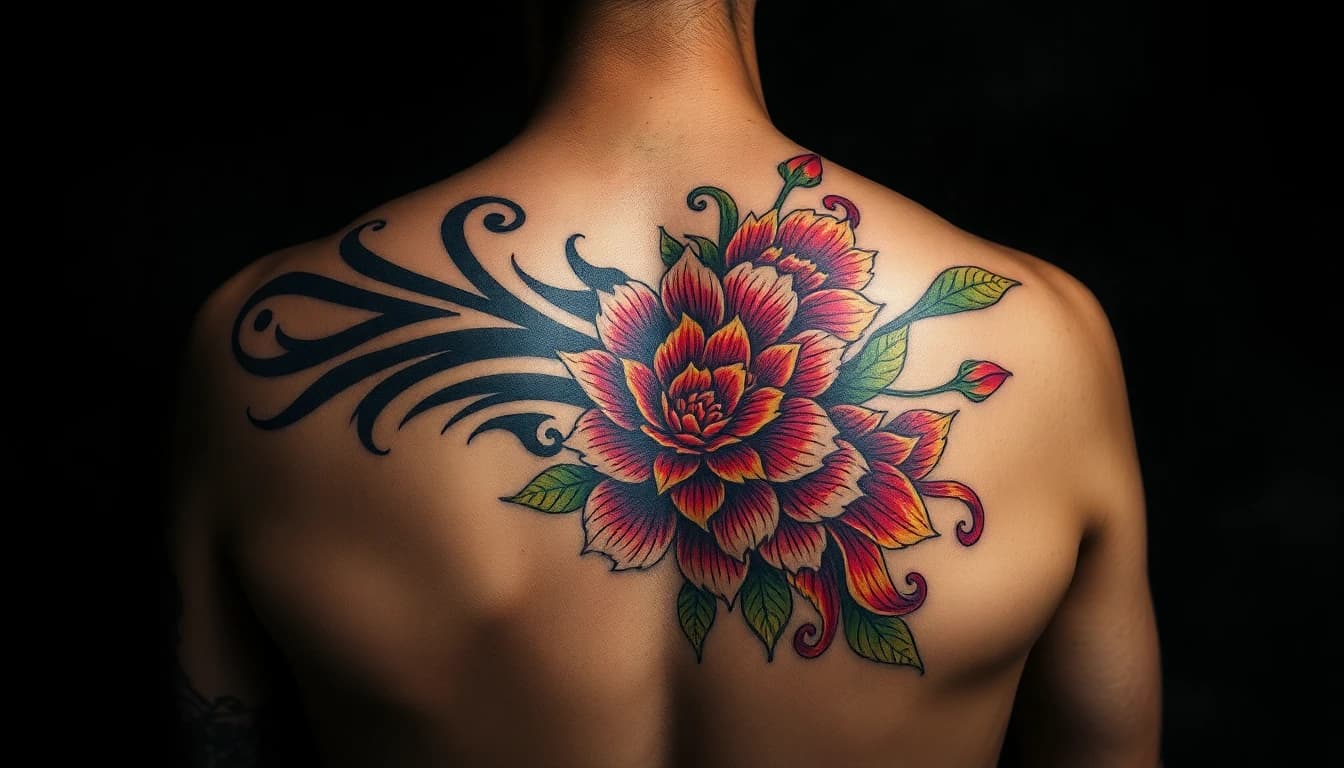
We've all seen them — or maybe you have one. That tattoo that seemed like a great idea at 18, the ex's name that won't go away, or the design that just didn't age well. If you're staring at ink you regret, you're not alone. And the good news? Cover-up tattoos have become an art form in themselves.
An AI tattoo cover up generator can help you explore possibilities before committing to a cover-up design. Instead of guessing what might work over your existing ink, you can generate options, test ideas, and find something that transforms your regret into art you actually love.
So You Want to Cover Up That Tattoo
First, let's acknowledge something: wanting to cover a tattoo doesn't mean you made a mistake. People change. Tastes evolve. Relationships end. Sometimes the work just wasn't executed well. Whatever your reason, cover up tattoo design has become sophisticated enough to transform almost any existing piece.
Cover-ups work differently than fresh tattoos. You're not starting with blank skin — you're working with existing pigment that needs to be incorporated or concealed. This means certain designs work better than others, and planning becomes crucial.
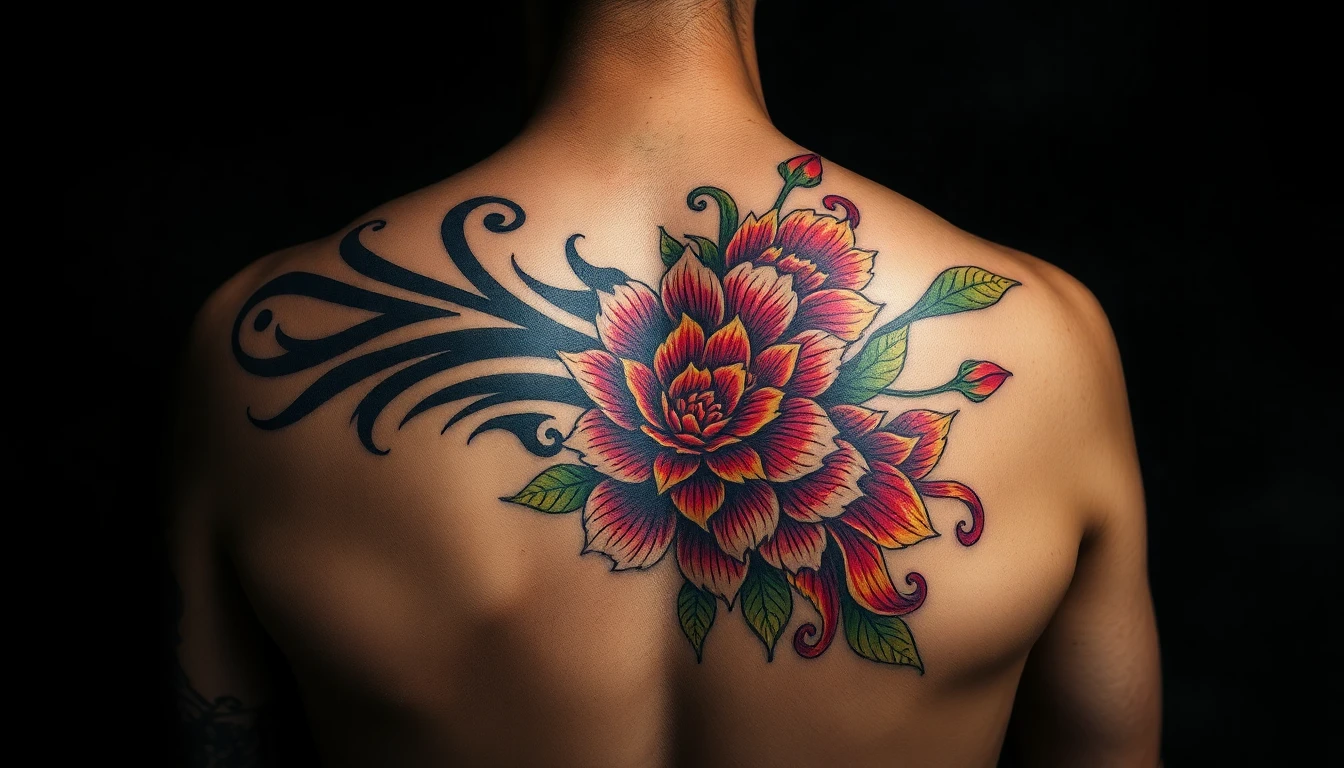
Before diving into AI-generated options, consider your alternatives. Laser removal can lighten a tattoo significantly, making cover-ups easier. Some people do a few laser sessions before their cover-up to give the artist more flexibility. It's worth knowing your options, though a skilled cover-up design can often work without any laser prep.
How AI Cover-Up Design Works
Using an ai tattoo cover up generator follows a logical process:
1. Document your existing tattoo. Take clear photos in good lighting. The AI needs to understand what it's working with — the size, darkness, colors, and placement of your current ink.
2. Describe what you want. Think about themes, styles, and elements you'd like in the new design. Do you want something completely different, or an evolution of the original concept?
3. Generate options. AI can create multiple designs that work with or around your existing tattoo. Some will incorporate the old design's shape; others will completely obscure it.
4. Refine and iterate. Your first generations are starting points. Adjust your prompts, try different styles, and generate variations until something clicks.

The beauty of AI generation is experimentation without commitment. You can try a hundred ideas before picking one to bring to your cover-up artist. This is especially valuable for cover-ups, where getting it right matters more than ever.
What Makes a Good Cover-Up Design
Not every design works as a cover-up. Understanding the principles helps you generate better options with AI:
Darker covers lighter. This is the fundamental rule. Black ink covers colored ink. Dark colors cover light colors. You can't cover a dark tattoo with a light, delicate design — physics doesn't work that way.
Bigger covers smaller. Your new design needs to be larger than the original. The old tattoo becomes part of the new composition, either hidden within darker elements or incorporated into the overall design.
Strategic placement matters. Good cover-ups place the densest, darkest parts of the new design directly over the old ink. Lighter areas go where there's no existing pigment.
Certain styles excel at cover-ups:
- Blackwork: Dense black designs can cover almost anything
- Neo-traditional: Bold lines and heavy saturation hide old ink well
- Japanese: Large-scale designs with dark backgrounds
- Florals: Layers of petals and leaves offer natural concealment
- Dark realism: Portraits and nature scenes with heavy shading
Browse our style gallery to see which aesthetics appeal to you and work well for cover-ups.
Dealing with Dark, Bold, or Large Old Tattoos
Some existing tattoos are harder to cover than others. Here's how to approach challenging situations:
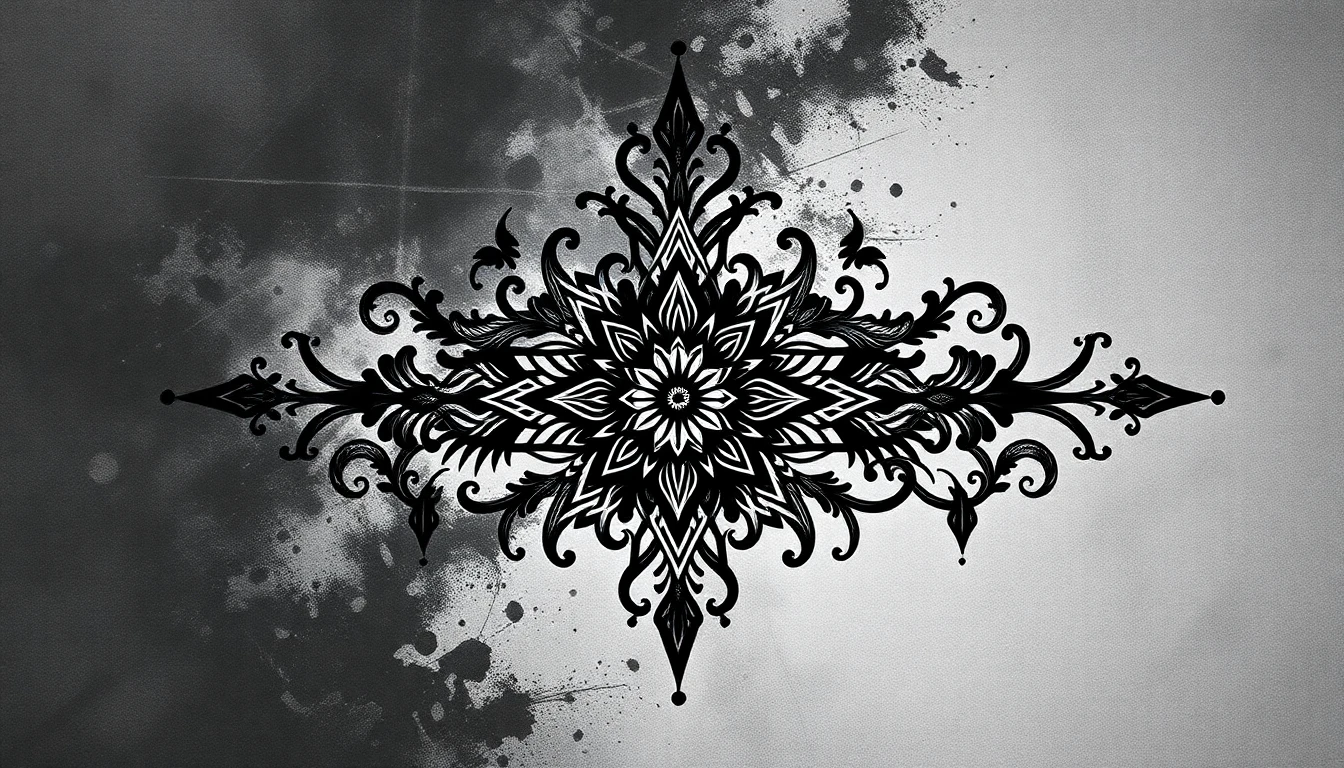
Very dark or black tattoos: These are the toughest. Your options include incorporating the dark areas into an all-black design, using the darkness as intentional shadow in a larger piece, or doing laser sessions to lighten first. Professional cover-up artists have developed techniques specifically for these challenges.
Large tattoos: Big pieces require big cover-ups. This often means committing to a half-sleeve or larger composition. The advantage? You have room for an impressive piece. Consider this an opportunity to plan a full sleeve that turns your problem area into a cohesive work of art.
Multiple small tattoos: Several small pieces in the same area can actually be easier to cover than one large one. They can be incorporated into a unified design that tells a new story.
Colored tattoos: Color makes things interesting. Blues and greens are notoriously difficult to cover completely. Reds and oranges fade to browns. Your cover-up artist will know how to work with specific colors.
Style Options for Cover-Ups
When using an ai tattoo cover up generator free tool, experiment with styles known to work well:

Floral designs: The go-to choice for many cover-ups. Layered petals, leaves, and stems offer natural places to hide existing ink. Roses, peonies, and chrysanthemums are particularly popular for their dense, overlapping forms.
Japanese traditional: Waves, clouds, and backgrounds in Japanese style can incorporate almost anything. The style's emphasis on flow and filling space makes it ideal for cover-ups.
Blackwork and geometric: Dense patterns and solid black areas cover efficiently. Mandalas, dotwork, and geometric abstractions can transform old ink into something completely new.
Wildlife and nature: Animals with dark fur or feathers — ravens, wolves, panthers — provide natural darkness for coverage. Forests, mountains, and dark landscapes work similarly.
Dark portraits: High-contrast black and grey portraits can incorporate existing ink into shadows and background elements.
The key is generating options that appeal to you aesthetically while also serving the practical purpose of concealment. AI lets you explore both aspects without the pressure of immediate commitment.
Taking Your AI Design to a Cover-Up Artist
Once you've found AI-generated designs you love, here's how to work with a professional:
Find a cover-up specialist. Not every tattoo artist excels at cover-ups. Look for portfolios specifically showing before-and-after cover-up work. The skill set is different from regular tattooing.
Share your AI references. Bring your generated designs as inspiration and starting points. Explain what appeals to you about each one. A good artist will appreciate clients who've done their homework.
Trust their modifications. Your cover-up artist will likely need to adjust the AI design for your specific situation. They understand how ink interacts with existing ink, how skin holds pigment, and what will look good long-term.
Consider a consultation first. Many cover-up specialists offer consultations to assess your existing tattoo and discuss options. This is valuable even if you've already explored AI options extensively.
Be patient with the process. Cover-ups often take longer than regular tattoos — more planning, sometimes multiple sessions, possibly laser prep. The result is worth the extra effort.
Your old tattoo doesn't have to be permanent. With the right planning and a skilled artist, it can become the foundation for something you'll actually be proud to wear. Start exploring your options — try the cover-up generator and see what transformations are possible.
Transform Your Regret into Art
Generate cover-up ideas that actually work. See what's possible before your consultation.


Written by
INK Editorial
Turn this idea into ink
Generate unique tattoo designs, preview placements, and export in HD. No guesswork — just better concepts.
Start designing freeMore reads
All articles
Are Free AI Tattoo Generators Actually Good?
The truth about free AI tattoo tools - what you actually get, what the catch is, and whether paying makes sense.
How to Describe Your Tattoo Idea to AI (And Get Great Results)
Master the art of writing prompts that translate your vision into stunning AI-generated tattoo designs.
Turn Your Photos Into Tattoo Designs
Learn how to transform your favorite photos into beautiful, ink-ready tattoo artwork using AI technology.